Select the desired setting by
pressing the or button,
then press the ENT button.
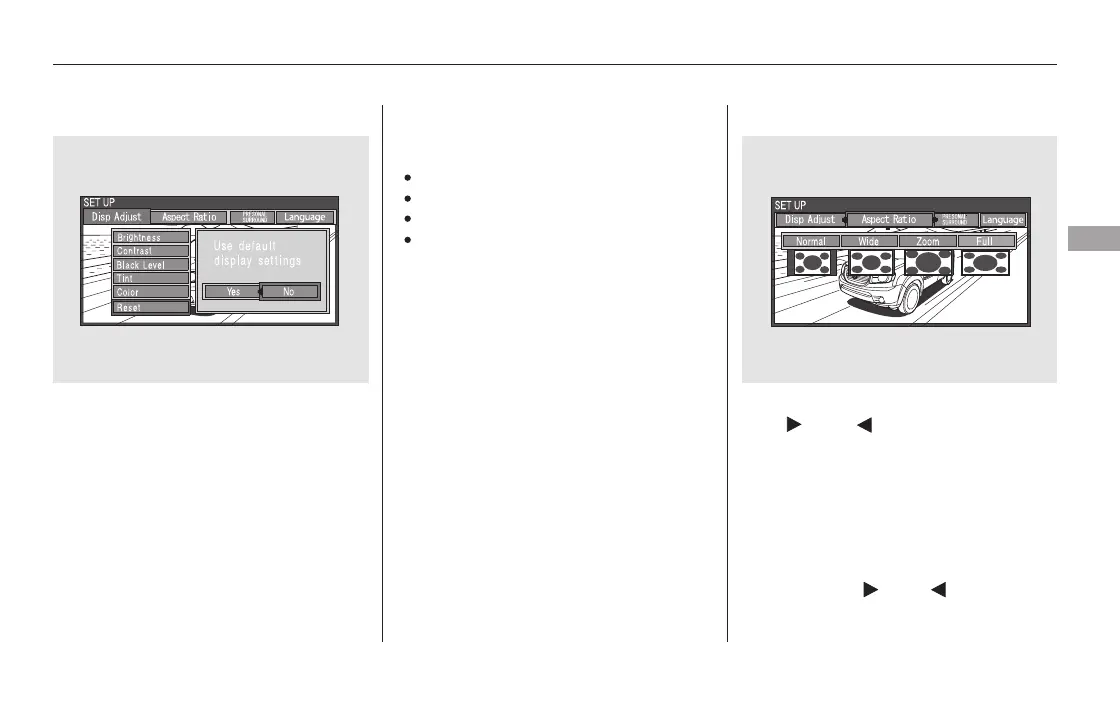
Select the ‘‘Aspect Ratio’’ by pressing
the or button, then press
the ENT button.
The selectable setting menu is
displayed, and the current setting is
highlighted in blue.
You can set the screen mode to
these settings:
Normal
Wide
Zoom
Full
The display changes as shown above.
Select ‘‘Yes,’’ and press the ENT
button. You will see the message
‘‘Default display settings applied’’ on
the display for 5 seconds.
Aspect Ratio
CONTINUED
Rear Entertainment System
Features
415
11/08/01 09:27:50 31SZA630_422













 To Next Page