−− Press the eject button to
remove the DVD from the drive.
Press and hold the
side of the SKIP bar to move
forward. Press and hold the
side of the SKIP bar to move
backward. Release the bar when the
system reaches the point you want.
Each time you press the side of
the SKIP bar and release it, the
system skips forward to the
beginning of the next track or
chapter. Press and release the
side of the SKIP bar to skip
backward to the beginning of the
current track. Press and release it
again to skip to the beginning of the
previous track or chapter.
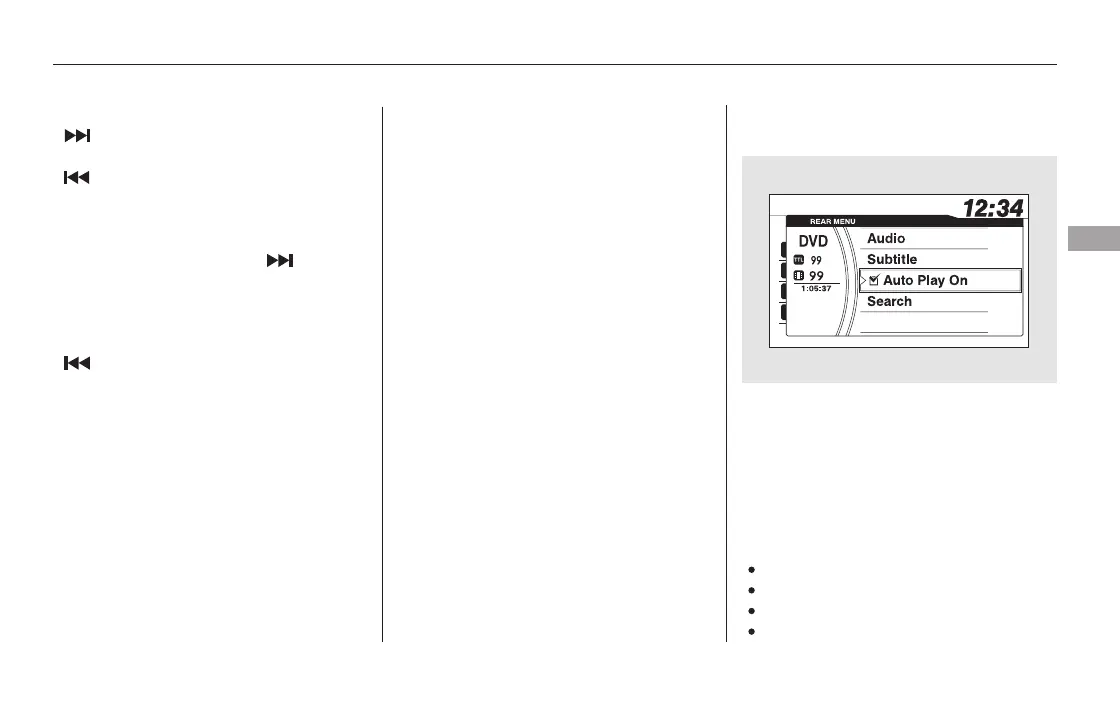
Audio
Subtitle
Auto Play On
Search
Press the REAR SOURCE button of
the front panel while the DVD is
playing on the overhead screen. The
front screen shows ‘‘REAR MENU.’’
Turn the selector knob to ‘‘DVD
Setup,’’ then press the selector knob.
You can choose DVD setup from
these selections:
CONTINUED
On vehicles without navigation system
EJECTSEEK/SKIP
Rear Entertainment System
DVD Setup
Features
401
11/08/01 09:25:14 31SZA630_408













 To Next Page