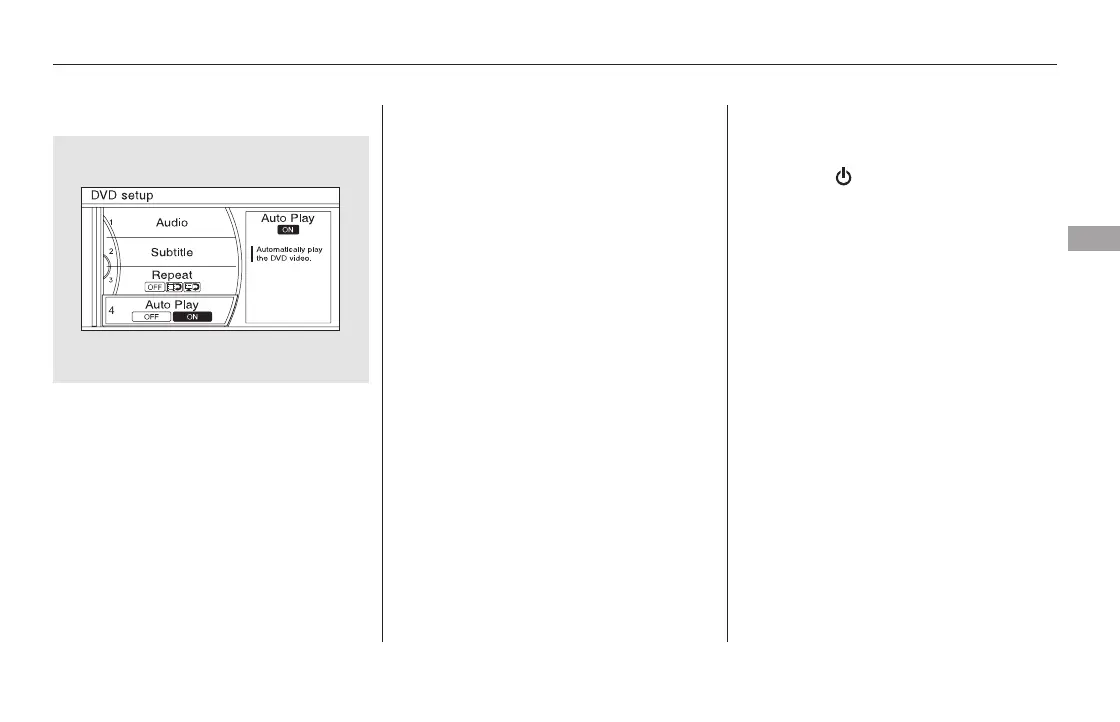
Auto Play
Turn the interface dial to ‘‘Auto Play,’’
then press ENTER on the interface
selector. Select ON to play the DVD
automatically, or select OFF to play
the DVD manually.
To return front panel control to the
front audio system, press the REAR
SOURCE button. You will hear a
beep and the indicator in the button
goes off. The indicator also goes off
automatically when you do not
operate the rear entertainment
system for 20 seconds.
To turn on the rear entertainment
system from the rear control panel,
press the (power) button. Use
the FM/AM button, XM button,
CD/CDL or CD/HDD button, or
DVD/AUX button to select the
entertainment source. The selected
source will be shown in the display.
Make sure the rear control operation
has not been disabled. When the
front audio system is off or the front
panel’s Rear Power is off, the rear
control panel cannot be turned on.
Rear Entertainment System
To Return to Front Audio
Controls
Using the Rear Control Panel
Features
405
11/08/01 09:25:56 31SZA630_412













 To Next Page