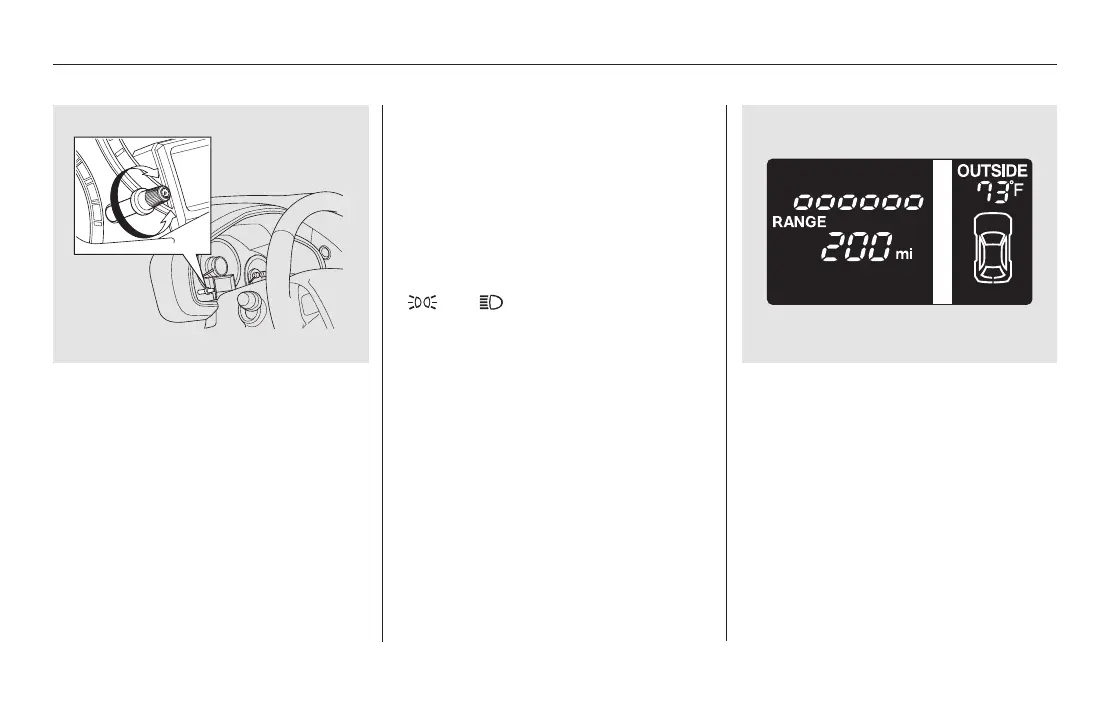
The select/reset knob on the
instrument panel controls the
brightness of the instrument panel
lights. Turn the knob to adjust the
brightness.
The level of brightness is shown on
the information display while you
adjust it. It goes out about 5 seconds
after you finish adjusting.
You will hear a beep when maximum
or minimum brightness is reached.
You will also hear a beep when the
maximum level is canceled by
turning the knob a click to the left.
To reduce glare at night, the
instrument panel illumination dims
when you turn the light switch to
or . Turning the select/
reset knob to the right until you hear
a beep will cancel the reduced
brightness.
Except Touring models
Instrument Panel Brightness
130
U.S. model is shown.
11/08/01 08:38:34 31SZA630_137













 To Next Page