▼▲
▼▲
▲▼
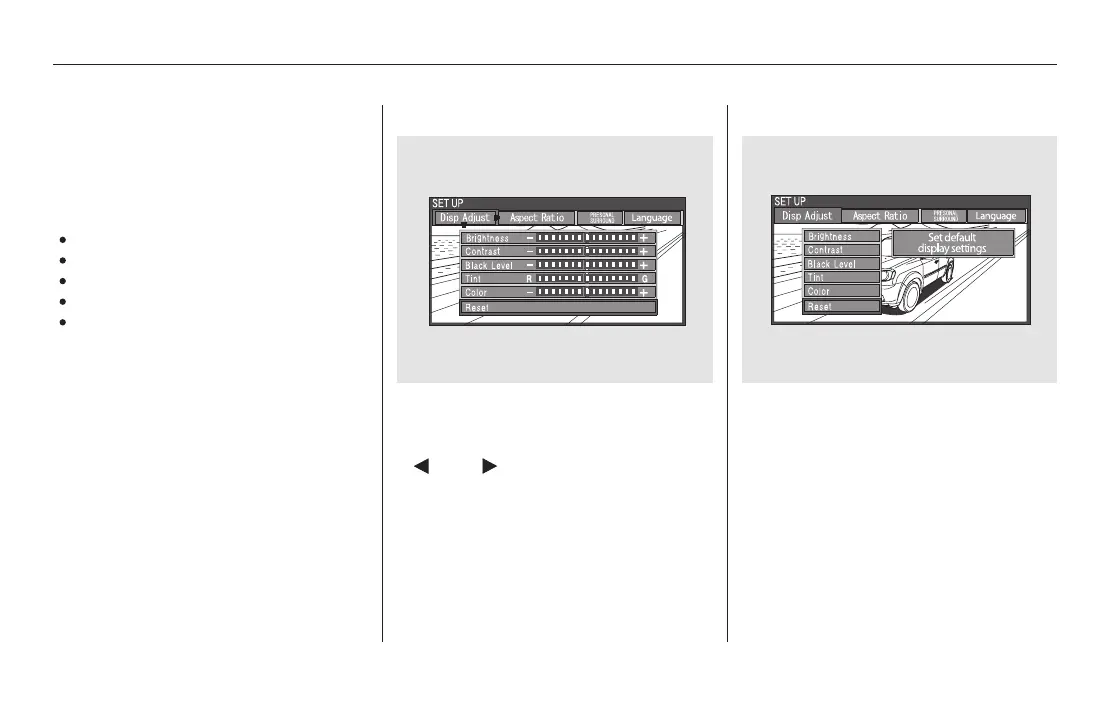
If you want to set the display to the
default setting, select ‘‘Reset’’ by
pressing the or button, then
press the ENT button.
To adjust the display, highlight ‘‘Disp
Adjust’’ from the setup menu with
the or button and press
the ENT button. You can adjust
these display settings:
Brightness
Contrast
Black Level
Tint
Color
Select the quality you want to adjust
by pressing the or button.
Adjust the setting by pressing the
or button. When you are
finished with your adjustment,
cursor back to the top of the setup
menu, or press the CANCEL button
to exit.
Disp Adjust
Rear Entertainment System
414
11/08/01 09:27:38 31SZA630_421













 To Next Page