The cursor will automatically move
to the ‘‘ENT’’ icon when you finish
inputting the number. Press the ENT
button to enter the number
command. The display goes back to
the DVD screen.
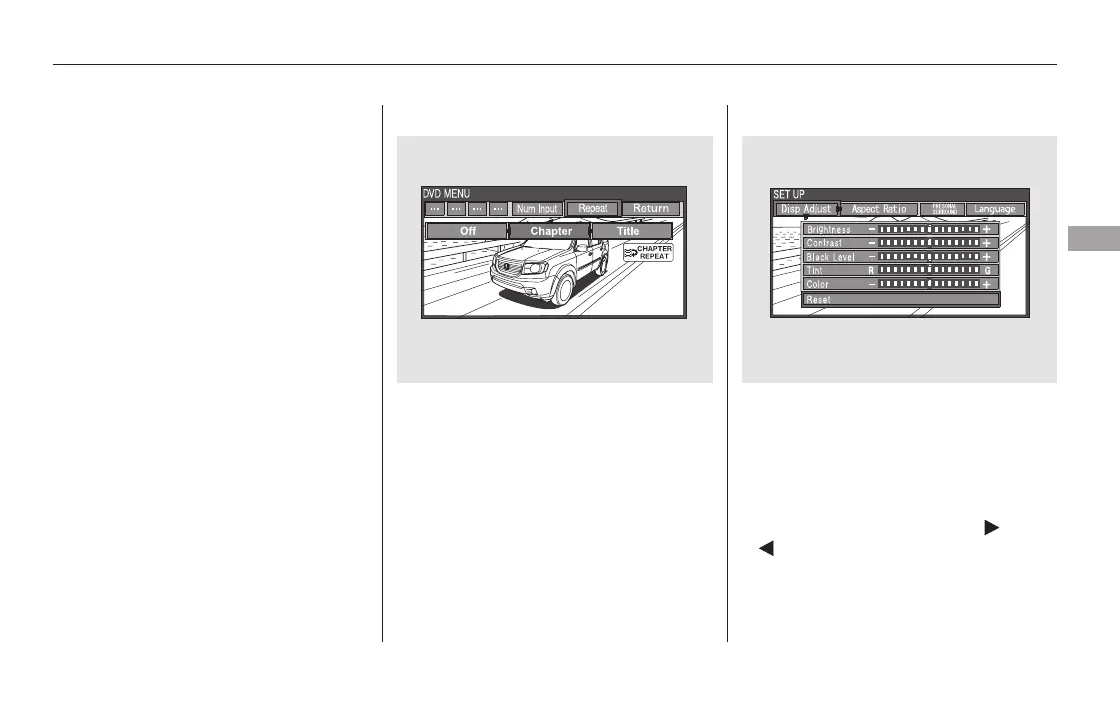
When you press the SETUP button
while a DVD is playing, the setup
menu appears. The menu options are
Disp Adjust, Aspect Ratio,
PERSONAL SURROUND, and
Language.
To change a setup, use the or
button to highlight your
selection and press the ENT button.
To return to the DVD video screen,
press the SETUP or CANCEL button.
With ‘‘Repeat’’ highlighted, each
time you press and release the ENT
button, the repeat mode changes
from chapter repeat to title repeat,
and to repeat off.
Repeat
CONTINUED
Rear Entertainment System
SETUP Button
Features
413
11/08/01 09:27:29 31SZA630_420













 To Next Page