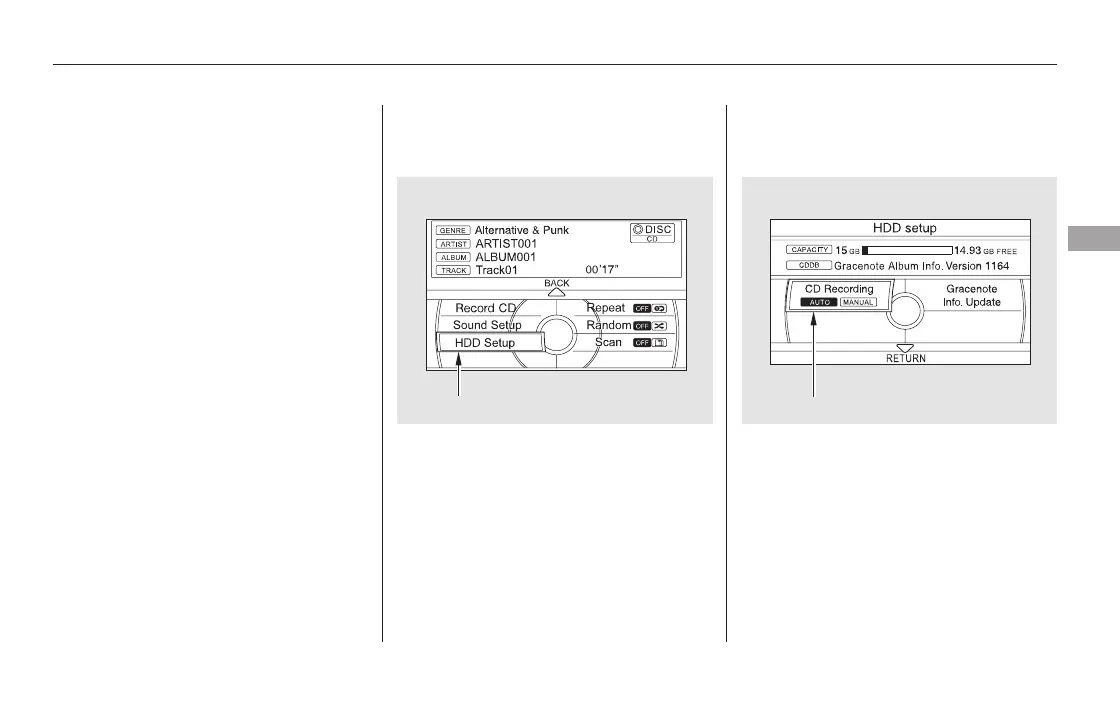
To change the setting to manual
mode, push the interface selector
down on the HDD screen. Turn the
interface dial to select HDD Setup
and press ENTER. Turn the interface dial to select
MANUAL and press ENTER on the
interface selector.
In order to suspend recording, push
the interface selector down, select
Cancel CD Recording, and press
ENTER on the interface selector.
Turn the dial to select CD Recording
andpressENTERontheinterface
selector.
Push down the interface selector to
go back to the audio screen.
CONTINUED
To Cancel Recording a Music CD
to HDD
Changing the Recording Settings
Recording a Track on a Music CD
Manually
Playing Hard Disc Drive (HDD) Audio (Models with navigation system)
Features
339
HDD SETUP
CD Recording
11/08/01 09:14:34 31SZA630_346













 To Next Page