CONTINUED
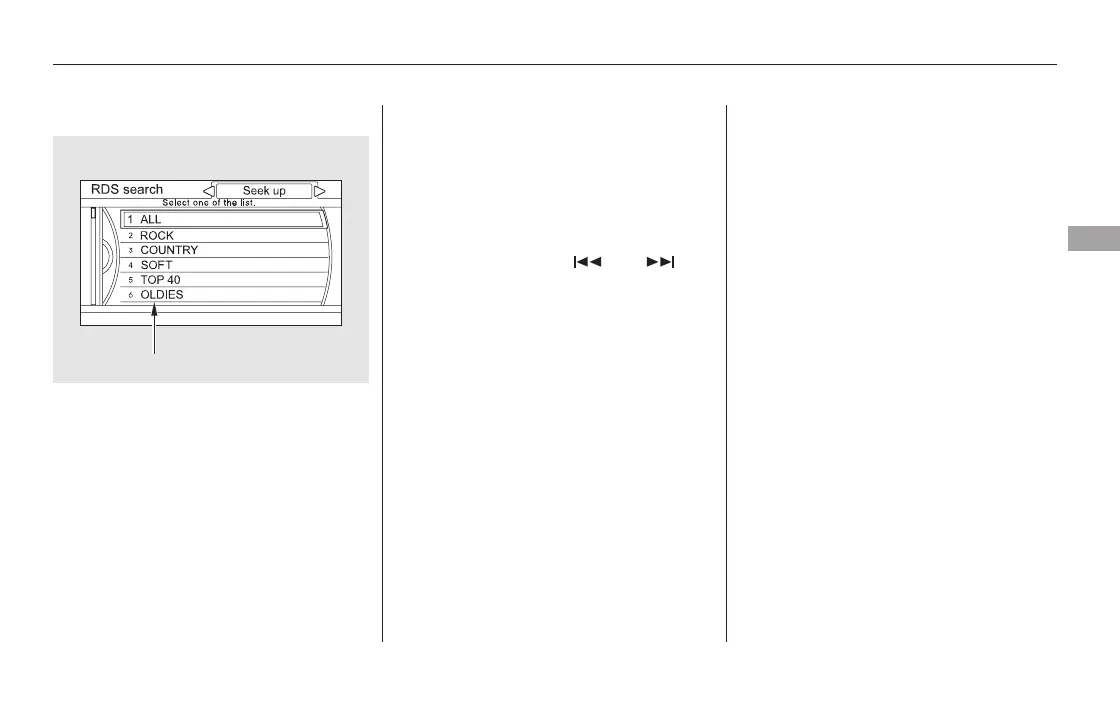
Turn the interface dial to select an
RDS category. You can use the
search or scan function to find radio
stations on the selected RDS
category by pressing the interface
selector to the left or the right. Press
ENTER to set your selection.
This function searches up and down
for strong signal frequencies that
carry the selected RDS category
information. This can help you to
find a station in your favorite
category. To activate it, press and
release either side ( or ) of
the SKIP bar. You will also see the
selected RDS category name
blinking in the center display while
searching it. When the system finds
a station, the selected RDS category
name will be displayed again for
about 10 seconds, and the system
stops searching.
If the system does not find a station,
‘‘NOTHING’’ blinks for about five
seconds, then the system goes back
to the last selected station.
Playing the FM/AM Radio (Models with navigation system)
RDS Category Search
Features
305
RDS CATEGORY
11/08/01 09:08:39 31SZA630_312













 To Next Page