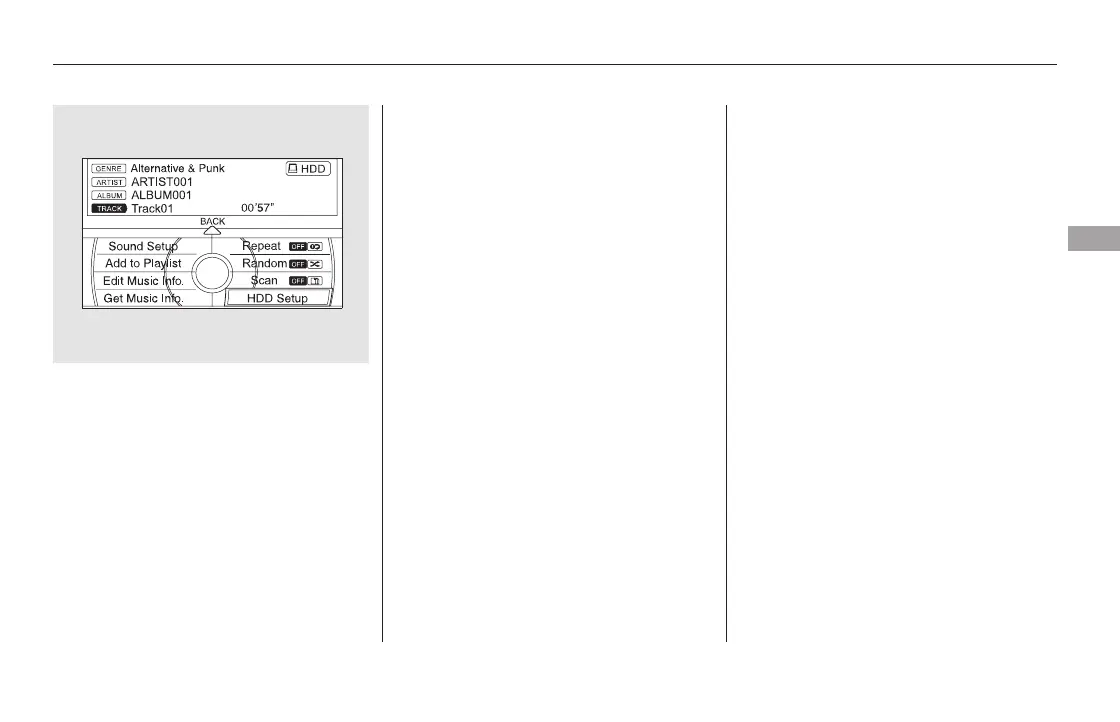
Push the interface selector down
to select AUDIO MENU in the
HDD playback screen or CD
playback screen.
Turn the interface dial to select
HDD Setup, then press ENTER on
the interface selector.
Any music, data, calendar entries,
etc. that have been stored on the
HDD can be deleted.
Press the INFO button, rotate the
interface dial to select ‘‘Set up,’’
and press ENTER.
Move the interface selector to the
right to navigate to the ‘‘Set up
(Other)’’ screen.
On the ‘‘Set up (Other)’’ screen,
rotate the interface dial to select
‘‘Clear Personal Data,’’ and press
ENTER.
Select the item you wish to delete.
Turn the interface dial and select
Gracenote Info. Update, then
press ENTER on the interface
selector.
Once you perform an update, any
information you edited before will be
overwritten.
After updating is complete, press
ENTER on the confirmation
screen.
Turn the interface dial to select
OK on the confirmation screen.
Turn the dial to select Yes on the
confirmation screen, and the
update will start.
Turn the dial to select USB or
DISC on the Update Gracenote by
screen,thenpressENTERonthe
selector.
2.
3.
4.
5.
6.
7.
8.
1.
2.
3.
4.
CONTINUED
Clearing the HDD
Playing Hard Disc Drive (HDD) Audio (Models with navigation system)
Features
359
NOTE:
11/08/01 09:18:11 31SZA630_366













 To Next Page