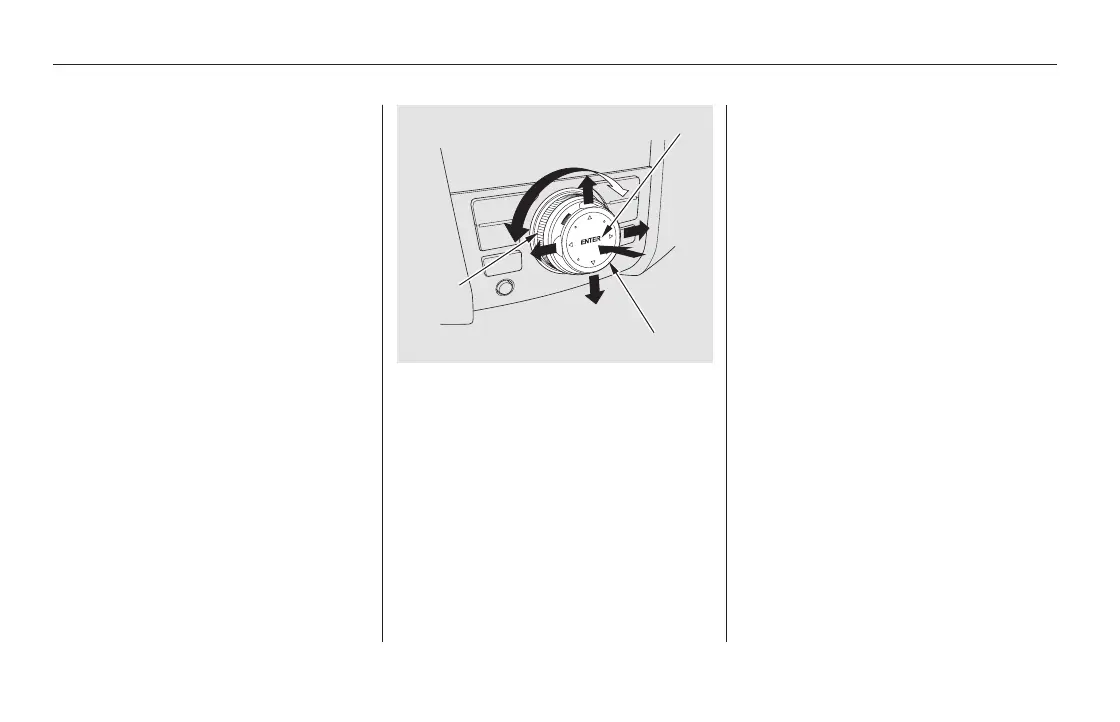
The dial turns left and right. Use it to
make selections or adjustments to a
list or menu on the screen.
The selector can be pushed left,
right, up, down, and in. Use the
selector to scroll through lists, to
select menus, and to highlight menu
items. When you make a selection,
press ENTER to go to that selection.
Most audio system functions can still
be controlled by standard buttons,
dials, and knobs, but some functions
can only be accessed using the
interface dial. The interface dial has
two parts, a dial and a selector.
The audio system, including the
music search feature Song By
Voice , can be operated by voice
control. See the navigation system
manual for complete details.
Interface Dial Voice Control System
Audio System (Models with navigation system)
298
SELECTOR
ENTER
KNOB
TM
11/08/01 09:07:29 31SZA630_305













 To Next Page