▲▼
▲
▼
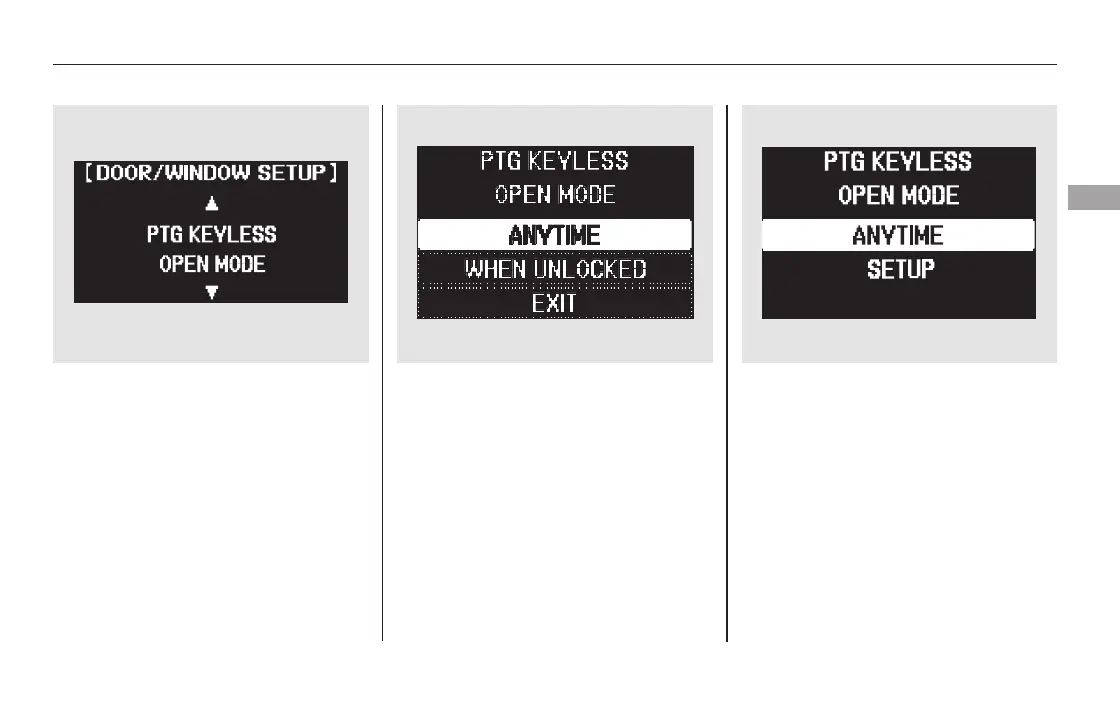
Press the SEL/RESET button to see
the selections.
Select the desired setting by
pressing the INFO ( / ) button,
then enter your selection by pressing
the SEL/RESET button.
When your selection is successfully
completed, the display changes as
shown above, and then goes back to
the customize item screen.
If the ‘‘SETTING INCOMPLETE’’
message appears, go back to ‘‘PTG
KEYLESS OPEN MODE’’ and
repeat the procedure again.
You can choose this item to
customize from ‘‘DOOR/WINDOW
SETUP’’ by pressing the INFO ( /
) button repeatedly.
Multi-Information Display
Instruments and Controls
121
11/08/01 08:37:09 31SZA630_128













 To Next Page