−
−+−−
The SCAN function gives
you a sampling of all channels while
in the channel mode. In the category
mode, only the stations within that
category are scanned. To activate
scan, press the SCAN button. The
system plays each channel in
numerical order for a few seconds,
then selects the next channel. When
you hear a channel you want to
continue listening to, press the
button again.
Press
either side of the CATEGORY bar to
select another category.
Turn the selector knob to
change channel selections. Turn the
knob right for higher numbered
channels and left for lower
numbered channels. In the category
mode, you can only select channels
within that category.
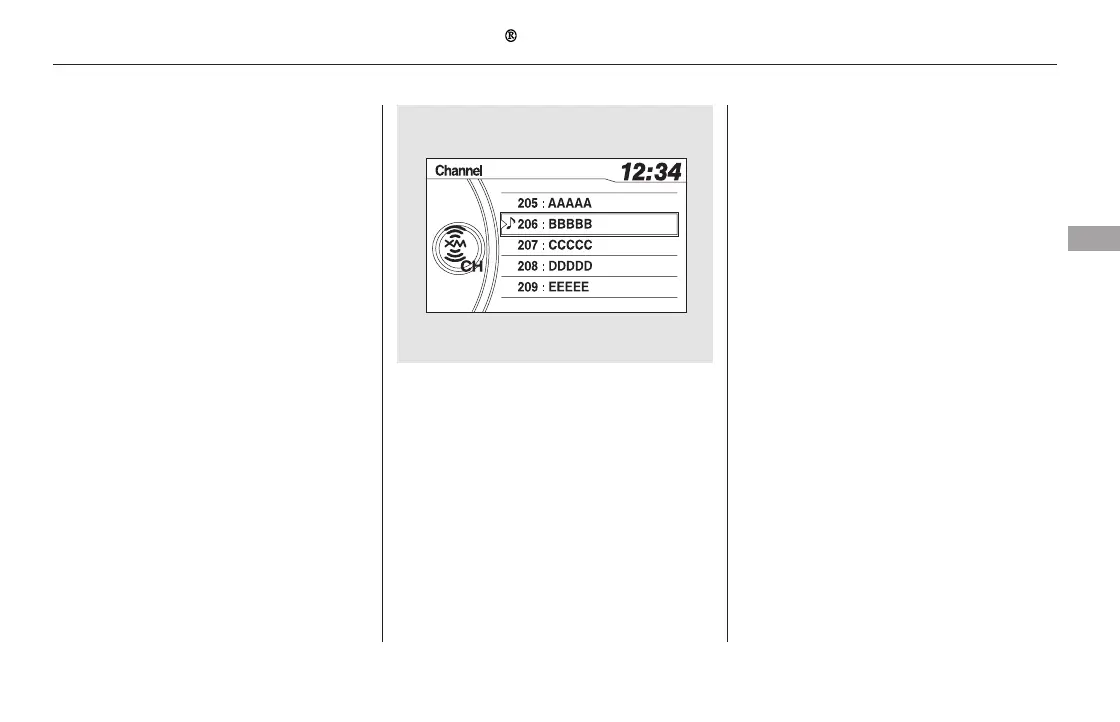
You can also select a channel from
the list by using the selector knob.
Push the selector knob to switch the
display to the list, then turn the knob
to select a channel. Press the
selector knob to set your selection.
CONTINUED
SCAN
CATEGORY ( or )TUNE
Playing the XM Radio (EX-L model without navigation system)
Features
239
11/08/01 08:57:20 31SZA630_246













 To Next Page