×
Turn the selector knob to select a
desired picture, then press the
knob to import the picture.
‘‘Loading Picture’’ message will
appear on the display.
If you choose an incompatible
picture, such as one that is too
large or in an unsupported format,
a message will appear and the
system will not be able to import
the picture.
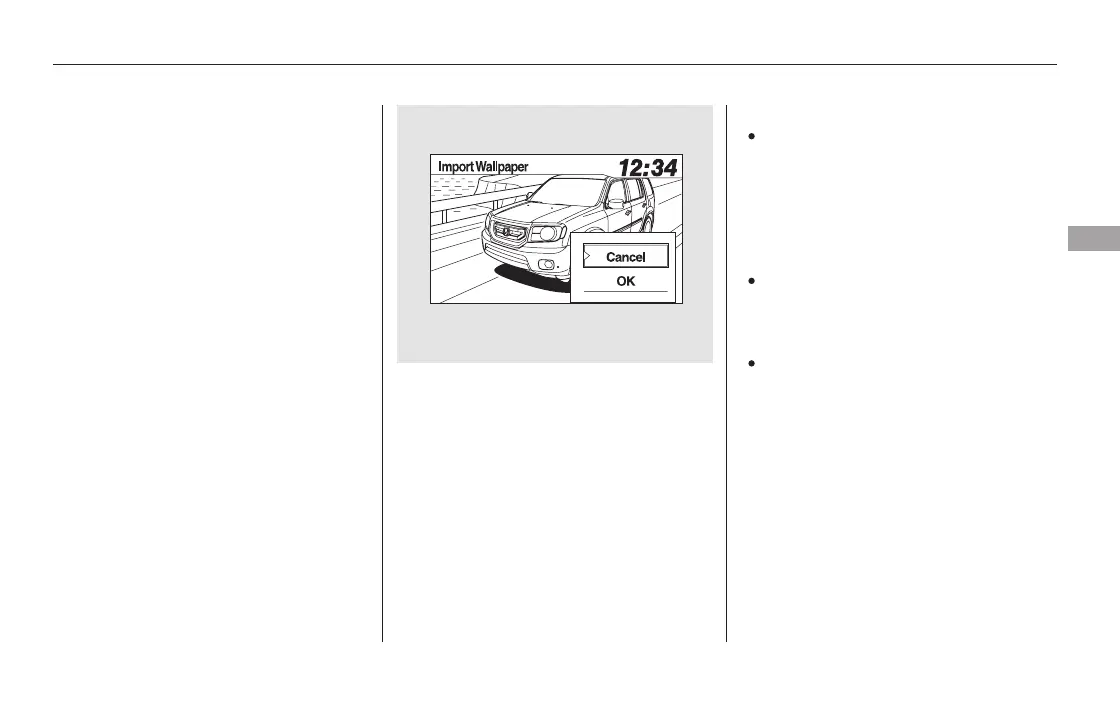
The display will change to as
shown above. Select OK to import
the picture to the system. The
imported list number and the
confirmation message will appear.
Then the display will return to the
import wallpaper list.
You can only import images from
the root directly. Images in the
folders cannot be imported.
The max file size is 1024 768
pixels. Smaller images are
displayed with the extra area
appearinginblack.
Larger images are reduced to a
displayable size without changing
the aspect ratio.
3.
4.
CONTINUED
Wallpaper Setup
Features
289
NOTE:
11/08/01 09:05:56 31SZA630_296













 To Next Page