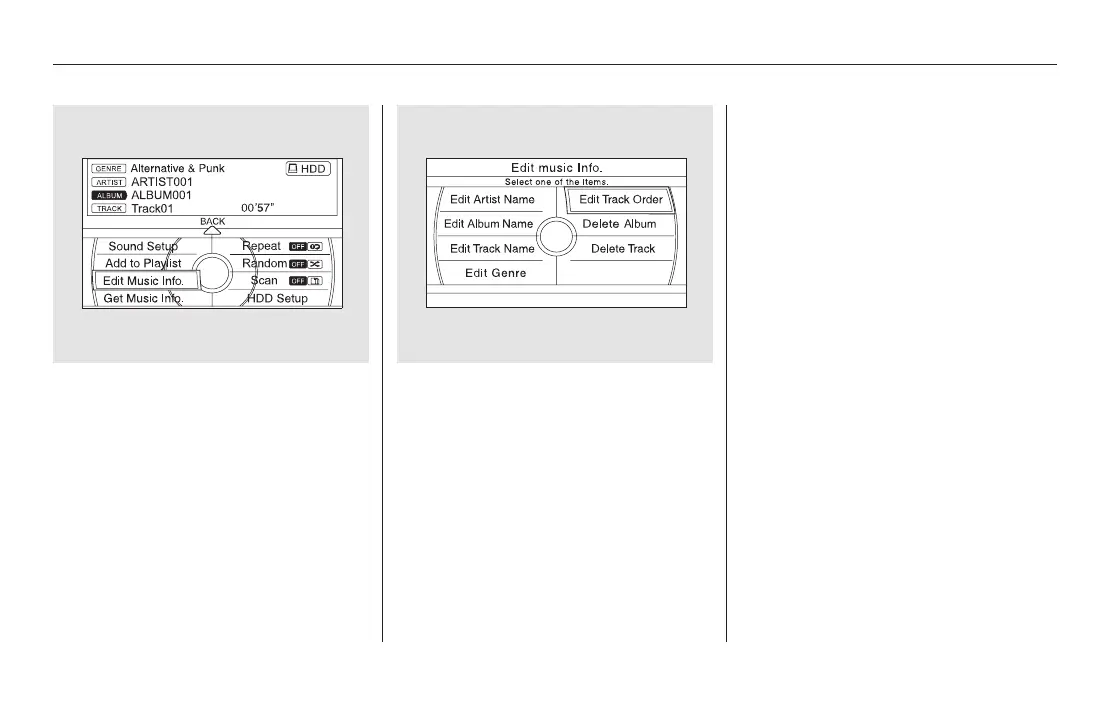
Turn the interface dial and select
‘‘Edit Music Info.,’’ then press
ENTER.
Turn the interface dial to select
Edit Track Order, then press
ENTER on the interface selector.
Turn the interface dial to select
the track to be moved, then press
ENTER on the interface selector.
Turn the interface dial to select
where the track is to be moved,
then press ENTER on the
interface selector.
Push the CANCEL button or the
AUDIO button. The screen
returns to the playlist.
Push the interface selector down
to return to the Edit Music Info.
screen.
4. 5.
6.
8.
9.
7.
Playing Hard Disc Drive (HDD) Audio (Models with navigation system)
350
11/08/01 09:16:29 31SZA630_357













 To Next Page