−
−
+
−
You can also select a folder or file
from the list by using the interface
dial. Press the AUDIO button to
show the audio display on the
navigation screen. Use the interface
dial to highlight the file, then press
ENTER to set your selection.
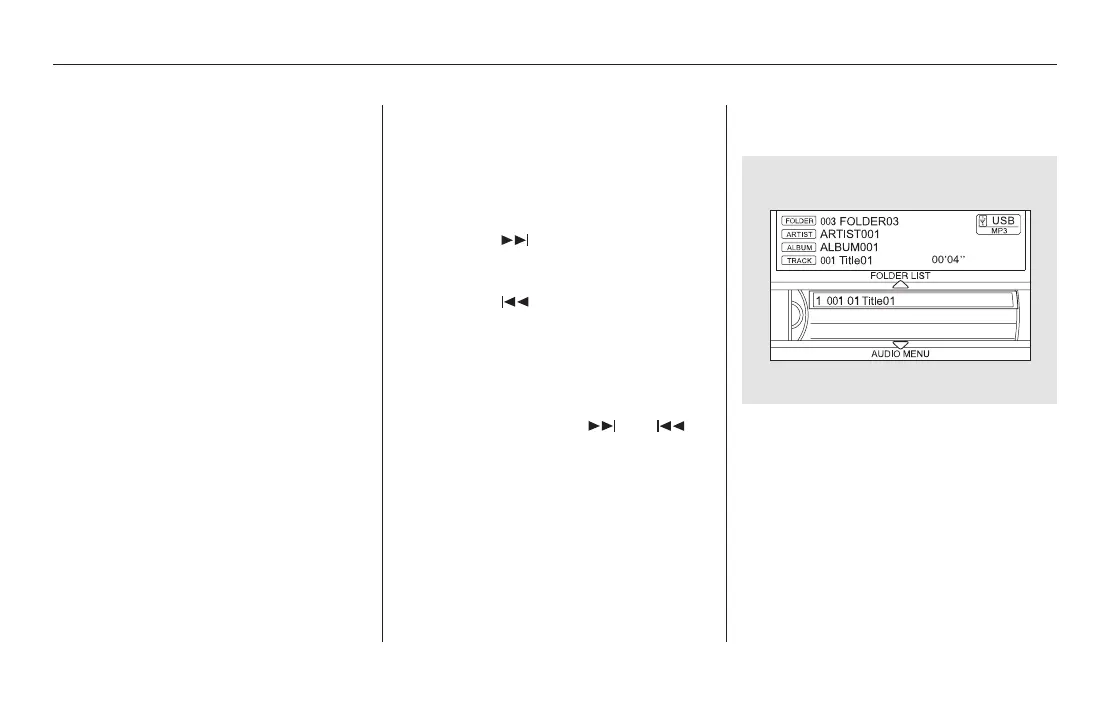
When the USB device is connected
andtheUSBmodeisselectedonthe
audio system, the USB indicator is
shown in the center display. It also
shows the folder and file numbers.
Pressing the AUDIO button displays
the USB indicator, the folder and file
names,andtheelapsedtimeinthe
navigation screen.
Use the SKIP bar while a USB flash
memory device is playing to select
passages and change files.
Each time you press and
releasethe sideoftheSKIPbar,
the system skips forward to the
beginning of the next file. Press and
releasethe sideofthebar,to
skip backward to the beginning of
the current file. Press it twice to skip
to the beginning of the previous file.
To move rapidly within a file, press
andholdeitherside( or )
of the SKIP bar.
To select a
different folder, press and release
either side of the CATEGORY bar.
Press the side to skip to the next
folder, and press the side to skip
to the beginning of the previous
folder.
To Select a File from Folder and File
Lists
To Change or Select Files
SKIP
Folder Selection
Playing a USB Flash Memory Device (Models with navigation system)
376
11/08/01 09:20:58 31SZA630_383













 To Next Page