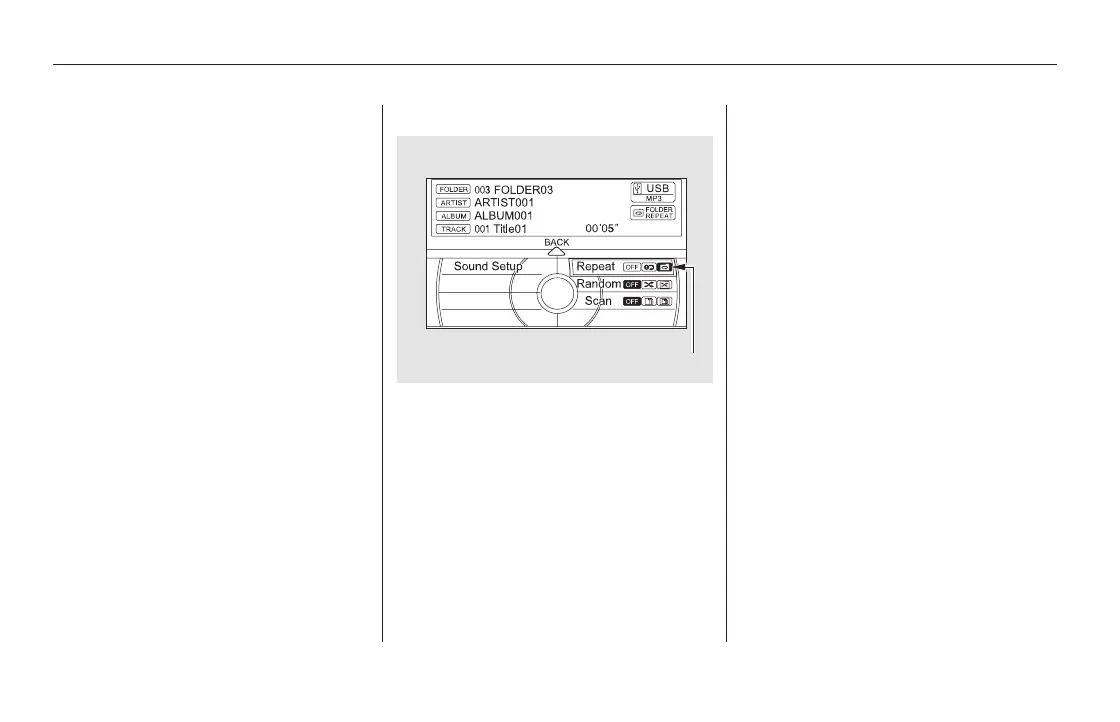
To cancel this function, turn the
interface dial and select the Repeat
OFFicon,andthenpressENTER.
This function replays all the tracks in
a folder in the order that they were
stored.
On the USB main screen, push the
interface selector down to display
the AUDIO MENU.
Turn the interface dial to select
Repeat and press ENTER.
Turn the interface dial, select the
Folder Repeat icon and press
ENTER on the interface selector.
Playback of the folder that is
currently being played will be
repeated.
To cancel this function, turn the
interface dial and select the Repeat
OFFicon,andthenpressENTERon
the interface selector.
Turn the interface dial, select the
Track Repeat icon and press
ENTER on the interface selector.
Playback of the track that is
currently being played will be
repeated.
Pressing either side of the SKIP bar
also cancels this function.
3. 3.
1.
2.
FOLDER REPEAT
Playing a USB Flash Memory Device (Models with navigation system)
378
FOLDER REPEAT ICON
11/08/01 09:21:25 31SZA630_385













 To Next Page