ifm Vision Assistant O3M
12
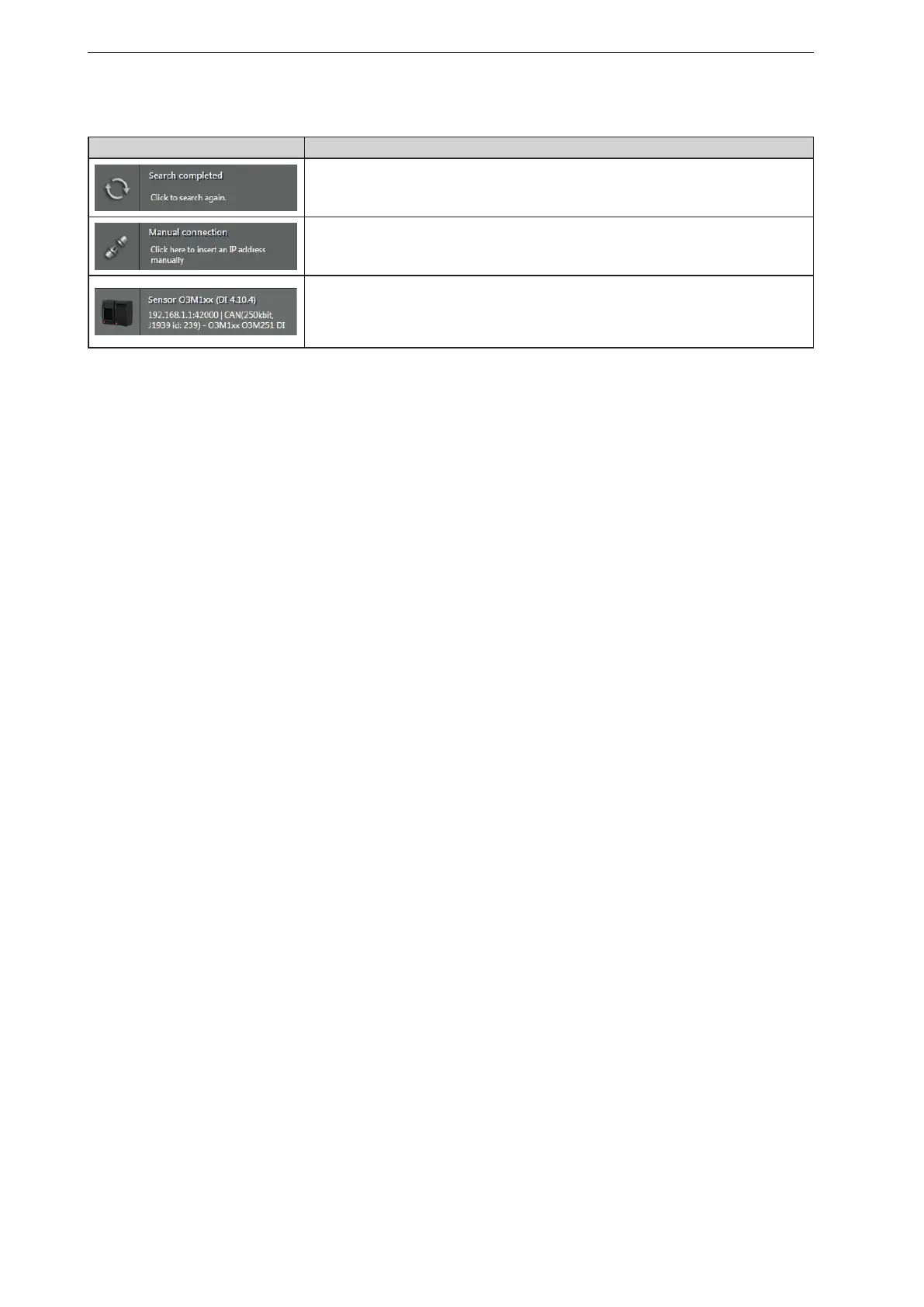
Buttons and notifications after the direct search:
Button and notification Description
Starts a new search.
Makes it possible to enter the IP address manually (→ „4.1.2 Manual connection“).
Shows connection settings of the CAN bus such as IP address, name of the device and
the firmware version.
Connects the device and continues according to the application data.



 To Next Page