ifm Vision Assistant O3M
18
4.5 Settings
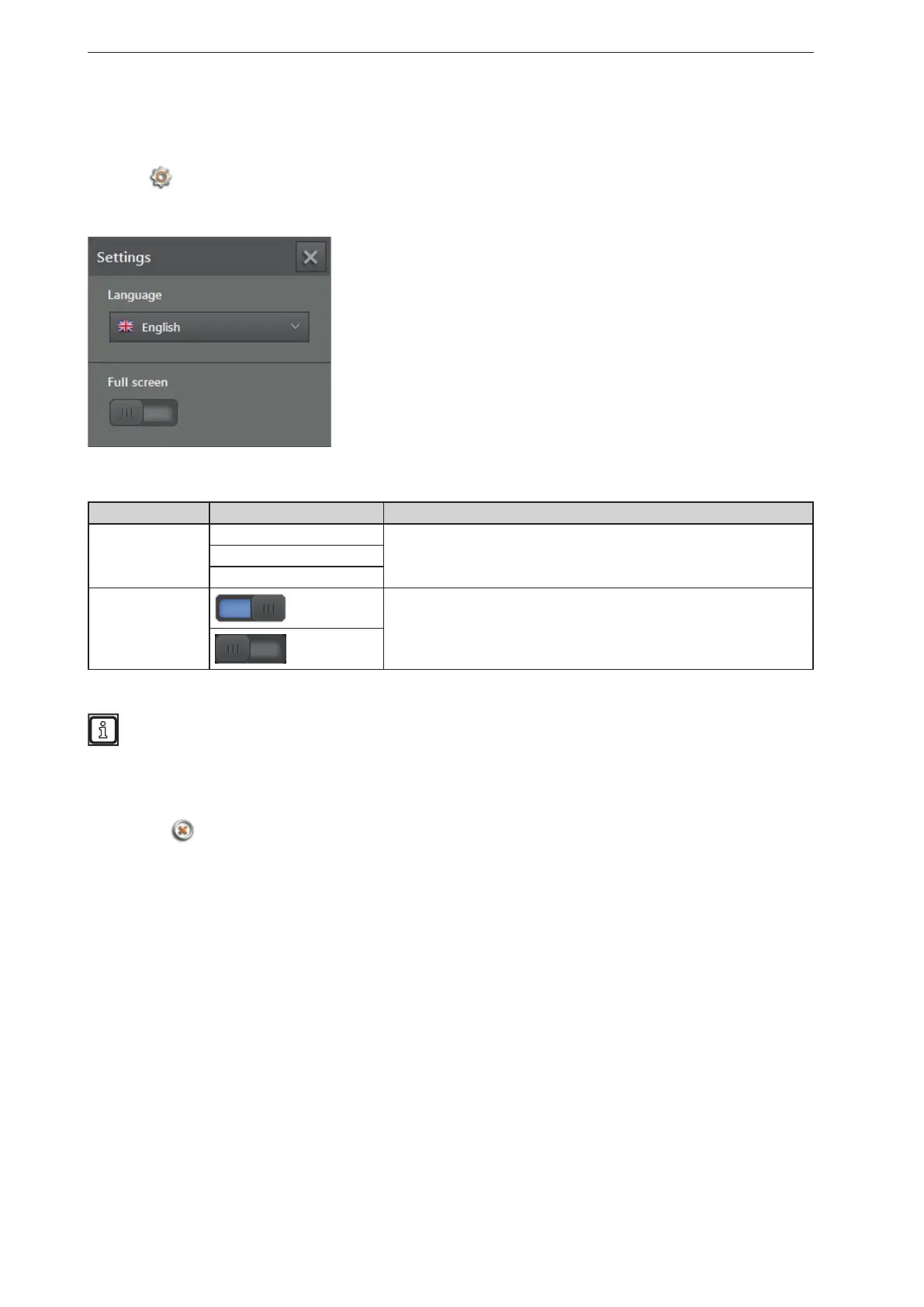
You can use this function to change the language and to switch between full screen and window view.
► Click
.
> The "Settings" window is displayed.
Options in the settings window:
Field Option Description
Language English Selection of the available language.
"English" is set by default.
German
etc.
Full screen
on
Switches between full screen (on) and window view (off).
Full screen is set by default.
off
With the F11 key, you can switch between full screen and window view at any time.
4.6 Close
► Click on to quit the ifm Vision Assistant.



 To Next Page