ifm Vision Assistant O3M
36
6.2 Recording
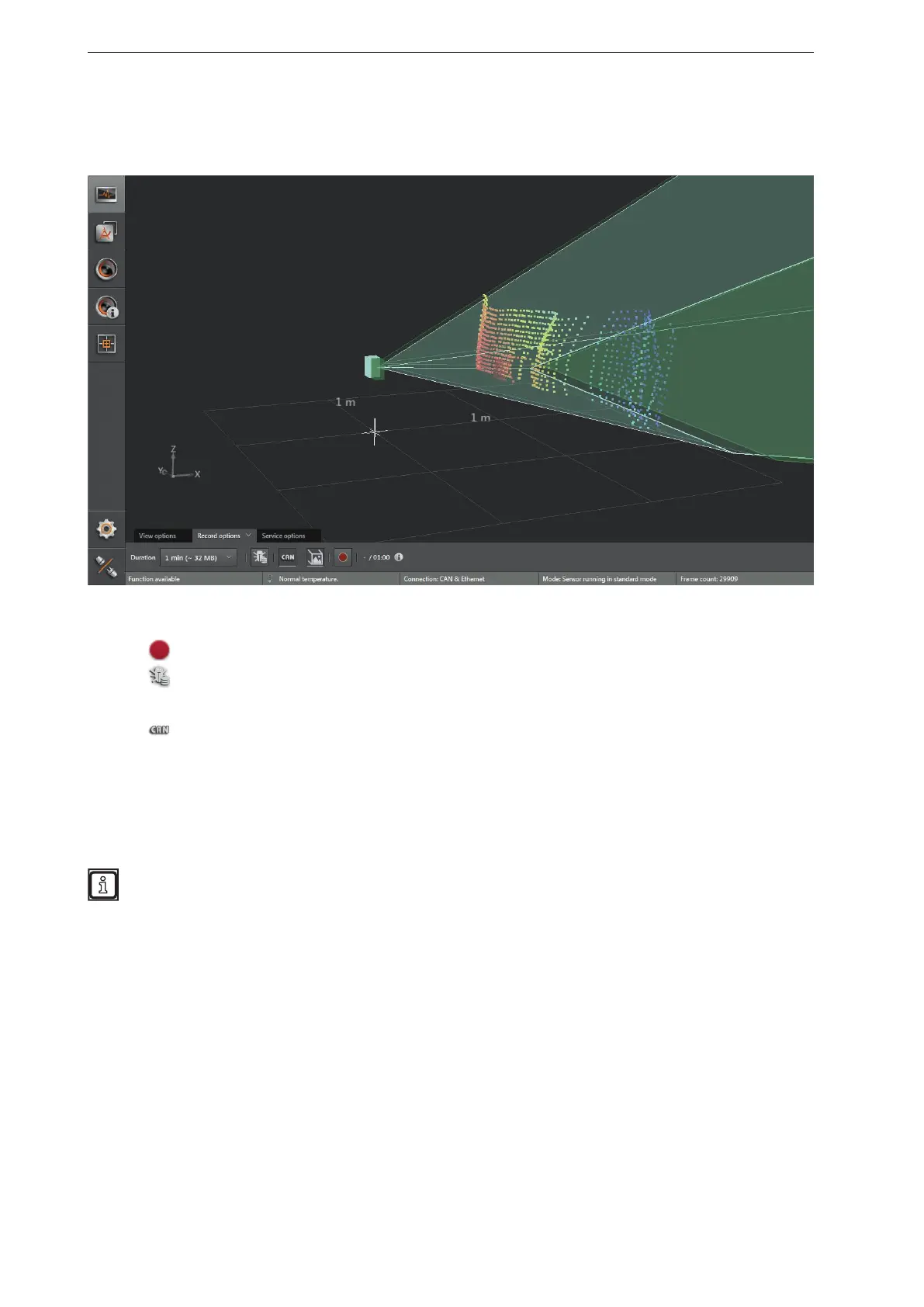
This function is used to make recordings of any length of Ethernet and CAN data.
► Select the duration of the recording in the "Record options" tab (1, 2, 4, 8 minutes or infinite duration).
The space required is about 56 MB/minute (with debug data approx. 160 MB/minute).
► Click
to start a recording.
► Click
to additionally record debug data.
> The debug data is necessary to analyse service requests.
► Click
to additionally record the CAN data.
> The "Save As" window opens with a standard storage location and standard file name:
● Standard storage location: "…\ifm electronic\ifmVisionAssistant\capture" (the exact and complete
storage location depends on the Windows version and settings)
● Standard file name: "yyyy-mm-dd_hhmmss_O3M1XX_192-168-1-1.dat"
The file name consists of year, month, day and the IP address of the device.
Example: The file "2016-06-27_154754_O3M1XX_192-168-1-1.dat" was recorded on 27 June
2016 at 15:47:54 on the device with IP address 192.168.1.1.
> All measurement and process data is recorded (e.g. recognised objects and results of the
applications).



 To Next Page