ifm Vision Assistant O3M
26
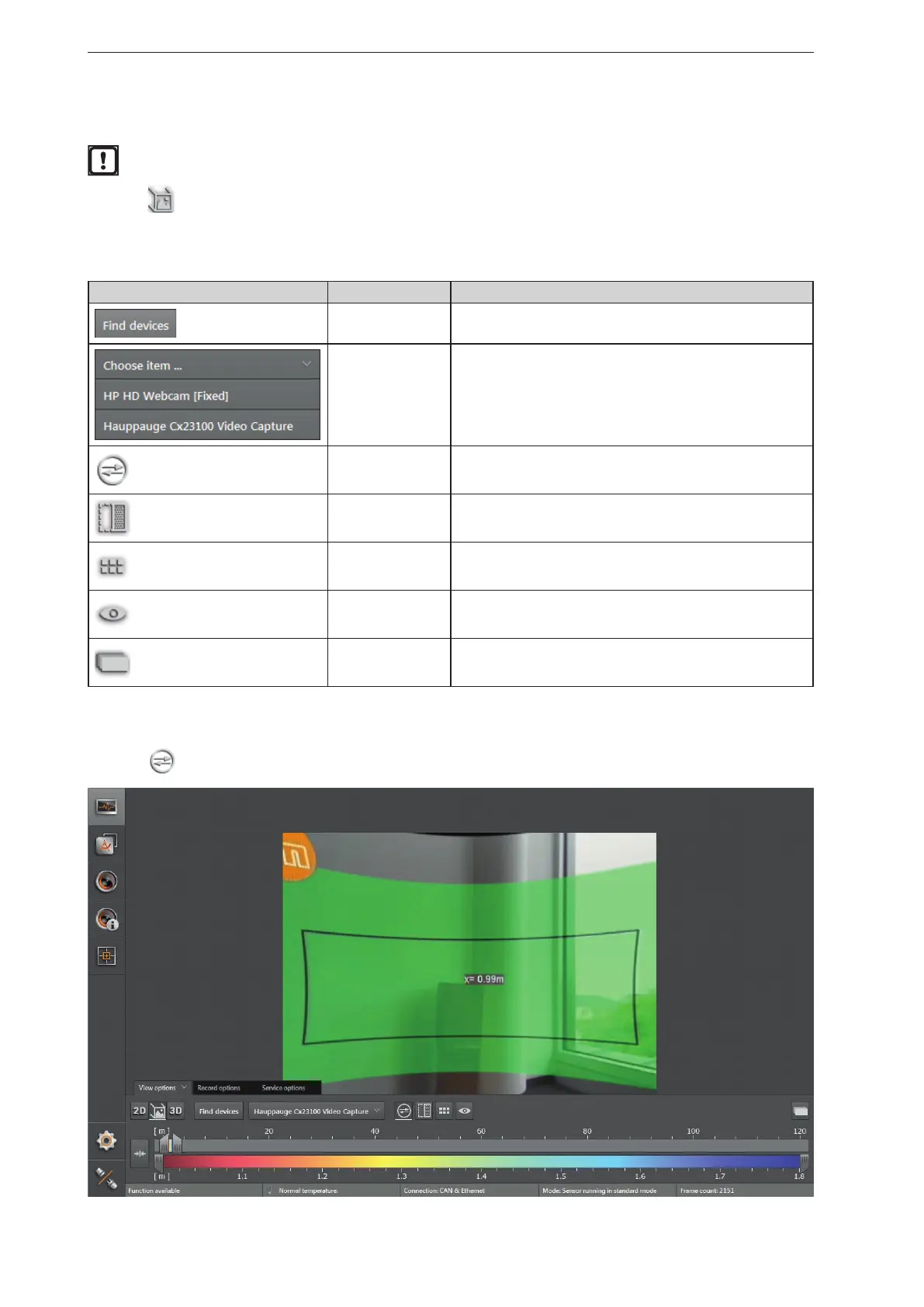
6.1.2 2D3D view
The 2D3D view is only possible with the O3M2xx devices.
► Click
to show the 2D3D view.
► Adjust the 2D3D view.
The following settings are available in the tab "View options":
Button Name Description
Search for video
converter
Searches for connected compatible video converters.
Select video
converter
Connects a compatible video converter.
2D rectification Eliminates geometric distortions in the image data.
Spatially filtered 3D
data
Shows the spatially filtered 3D data.
Pixel Shows the distance values per pixel.
Visible 3D range Highlights the visible 3D range.
2D preview Shows the 2D data as an overlay within the 2D3D view.
2D rectification
► Click
to activate the 2D rectification.



 To Next Page