85
ifm Vision Assistant O3M
UK
10.11.1 Exclusion area
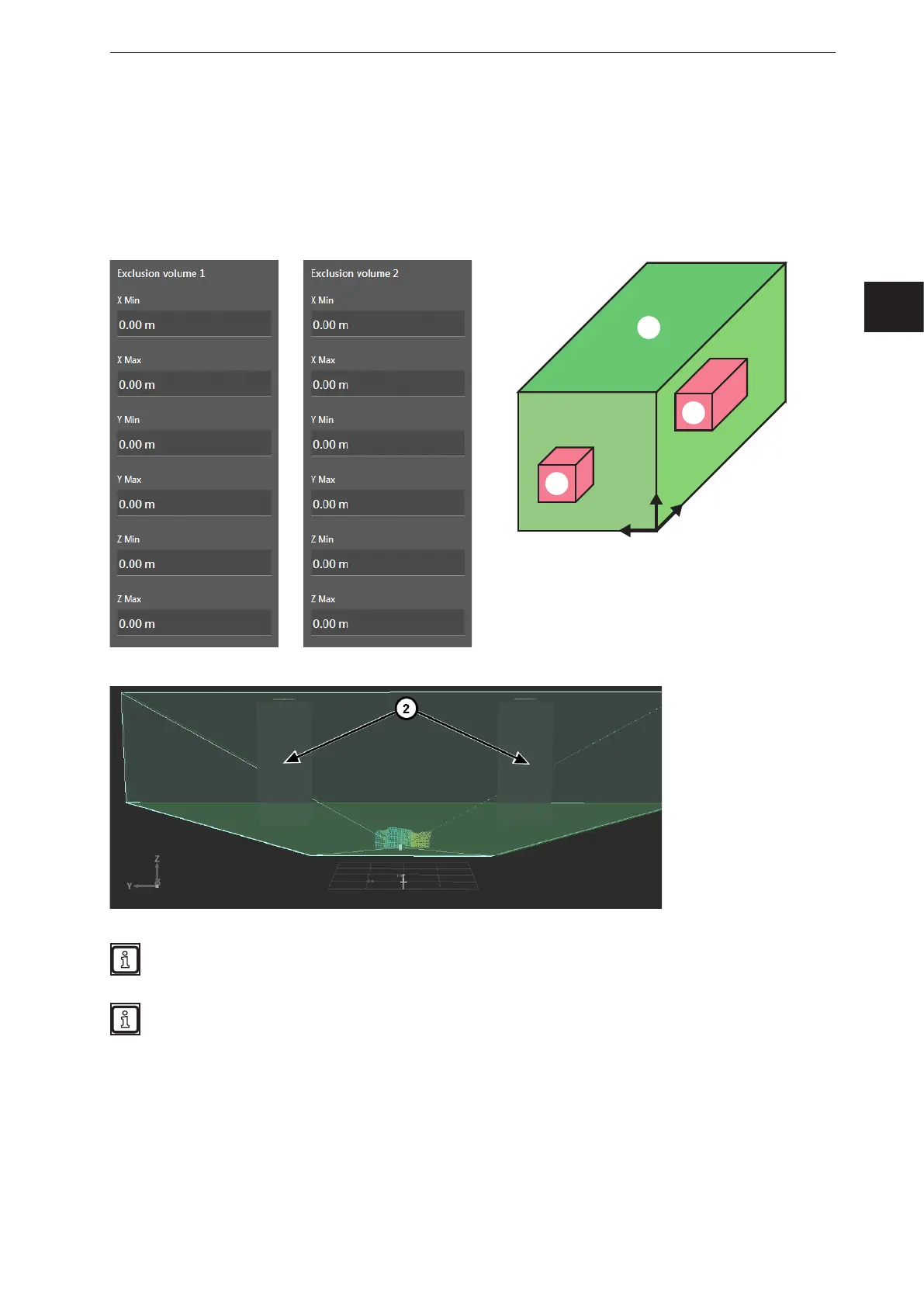
In addition to the measuring range, up to two exclusion areas ② can be set within the measuring
range ①. The data within the min/max values are excluded from further calculations. This ignores, for
example, attachments in the visible range.
Setting exclusion areas
► Enter min/max values for the coordinate axes.
z
y
x
①
②
②
The exclusion areas ② are displayed in the monitoring window:
Set the exclusion area a bit larger than the objects to be excluded. Thereby, measuring errors on
object edges caused by mixed pixels are excluded by further calculations.
If the 3D pixel data is transmitted via Ethernet, the spatial filtering is marked in the confidence
interval. The originally measured 3D pixel data is additionally available.



 To Next Page