87
ifm Vision Assistant O3M
UK
11.1 Overlay options
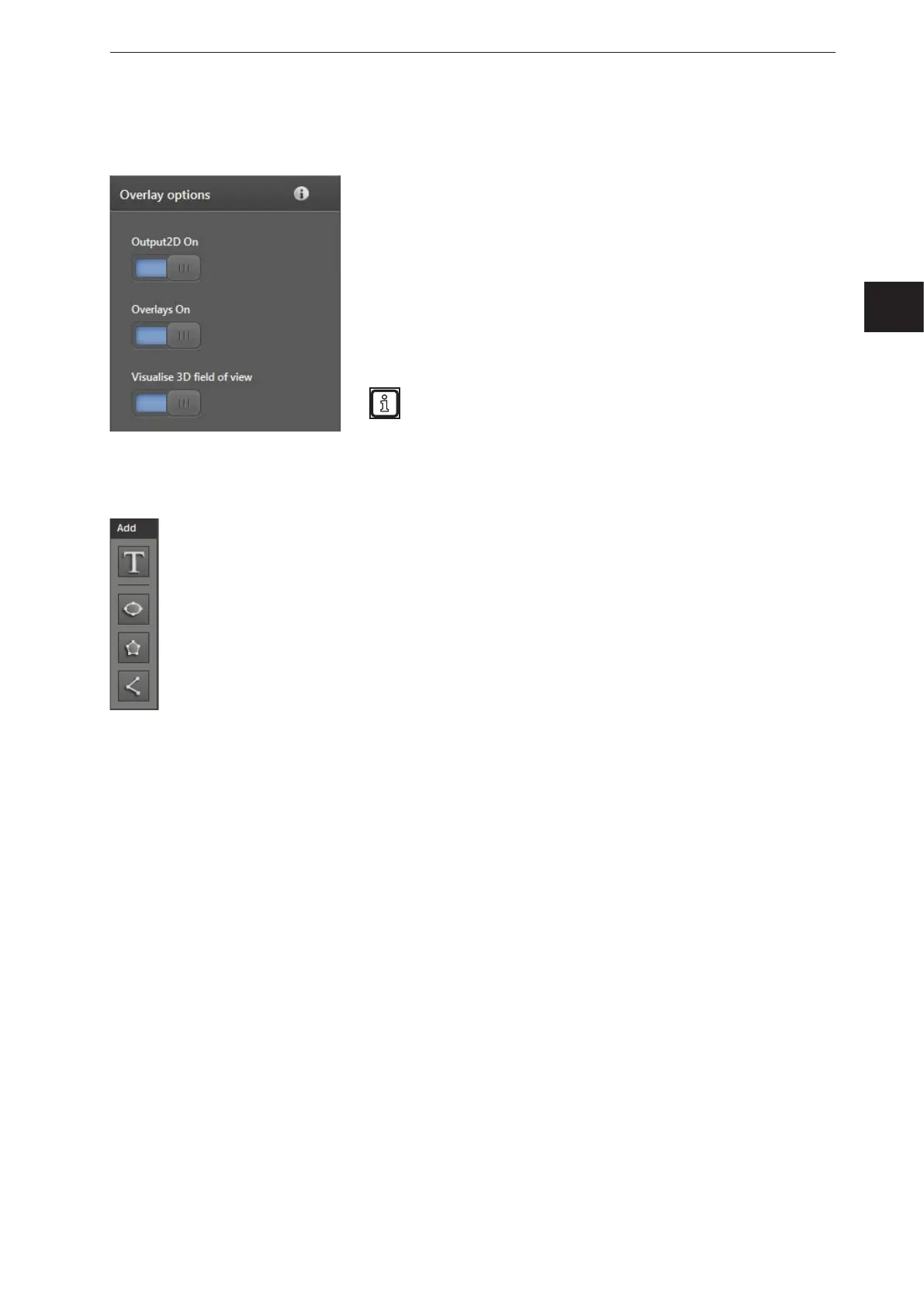
With the "overlay options", the way the 2D image is displayed can be set.
The "2D output on" switch activates the output of the 2D image.
If the switch is in the off position, no image is provided via the
analogue video interface of the device.
The "Overlay on" switch activates the overlay. If the switch is in the
off position, only the 2D output is displayed (provided that the 2D
output is activated).
The switch "Visualise 3D field of view" activates the visualisation of
a frame in the 2D overlay which indicates the 3D measuring range.
The angle of aperture of the 3D measuring range is smaller on the
vertical axis.
Due to perspective distortions, the display of the 3D
measuring range is merely an indicator.
11.2 Pallet
The "pallet" is used to add texts, vectors (ellipses, polygons, polylines) and images to the 2D overlay.
The pallet contains 4 buttons:
The [Add text] button adds a configurable text to the 2D overlay
(→ „11.2.1 Add text“).
The [Add ellipse] button adds a configurable ellipse to the 2D overlay
(→ „11.2.2 Adding a vector“).
The [Add polygon] button adds a configurable polygon to the 2D overlay
(→ „11.2.2 Adding a vector“).
The [Add polyline] button adds a configurable polyline to the 2D overlay (→ „11.2.2 Adding a
vector“).



 To Next Page