175
ifm Vision Assistant O3M
UK
16 Annex
16.1 Network settings
The details of the network setting in this document describe the procedure for PCs with Windows
7.
Modifying network settings in a PC requires administrator rights.
The following ports must be open (if necessary, adjust the firewall settings):
● UDP: 3321
● TCP / HTTP: and
● TCP: 50010
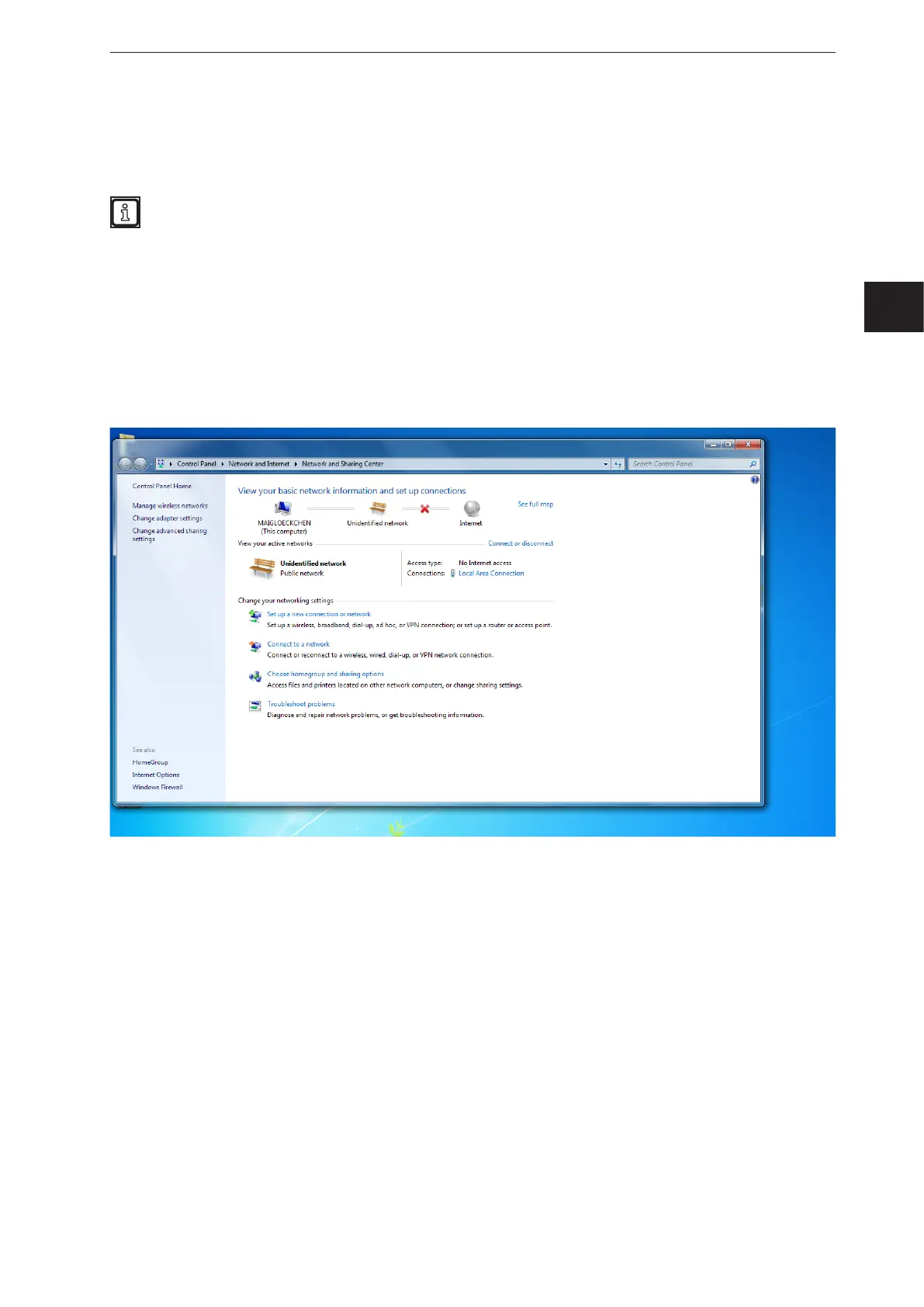
► Open [Network and Sharing Centre].
► Click on the name of the local network under [Connections].
> The window "Local Area Connection Status" of the local network opens.


 To Next Page