ifm Vision Assistant O3M
40
7 Device setup
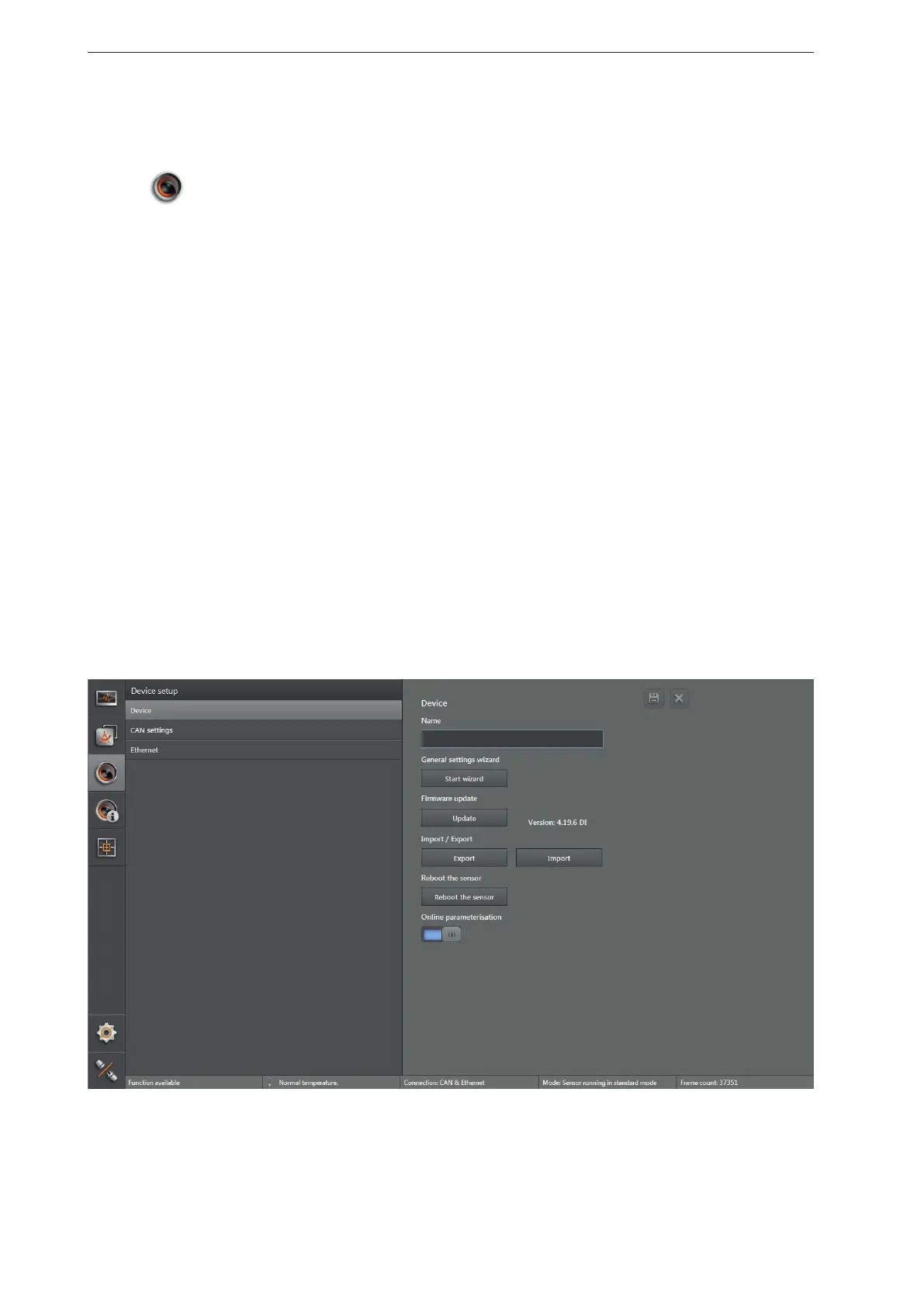
In the device setup, the basic settings of the device and the applied networks is set.
► Click
.
> The "Device setup" screen appears.
Configurations in the device setup:
● Device (→ „7.1 Device“)
● Set the name of the device
● Execute the assistant for general sensor settings
● Execute firmware update
● Import and export settings
● Reboot the sensor
● Activate online parameter setting
● CAN settings (→ „7.2 CAN settings“)
● Set the network protocol and the network address of the CAN bus
● Ethernet (→ „7.3 Ethernet“)
● Set the process interface



 To Next Page