89
ifm Vision Assistant O3M
UK
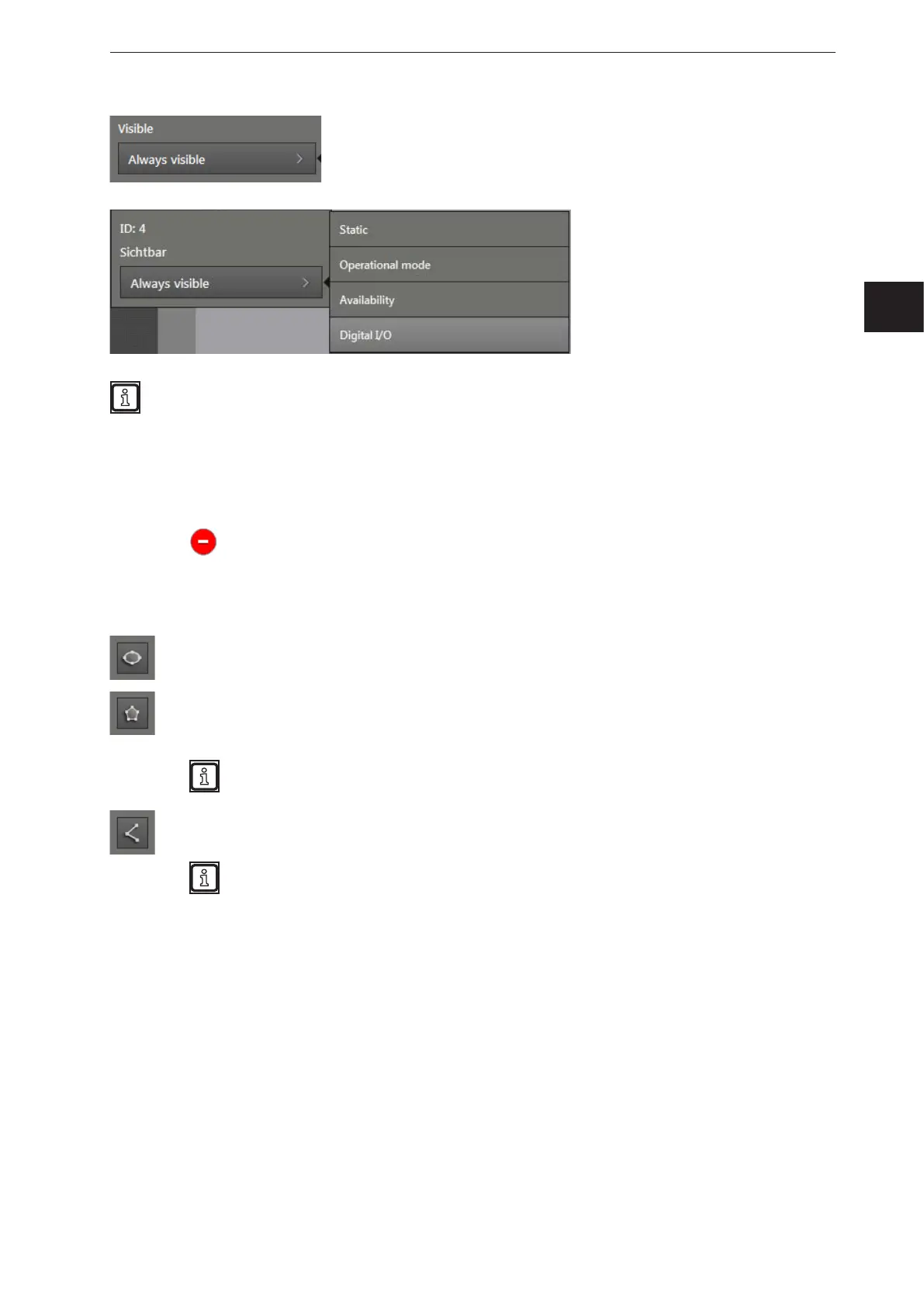
In the list "Visible", the visibility of the text can be set.
The visibility of the text can be
coupled to the conditions of the
device.
The available conditions depend on the installed firmware (→ „7.1.3 Firmware update“).
The following conditions are available in each firmware:
● Static
● Operation Mode
● Availability
● Digital I/O
Clicking on
deletes the text.
11.2.2 Adding a vector
The following buttons add a vector to the "Preview of the 2D overlay":
[Add ellipse]: After clicking on the button, the mouse pointer changes into a cross hair. After
clicking on the button, the mouse pointer changes into a cross hair.
[Add polygon]: After clicking on the button, the mouse pointer changes into a cross hair.
Then, the polygon can be drawn in the "Preview of the 2D overlay" by holding the mouse
button.
Drawing the polygon can be quit by double-clicking the mouse button.
[Add polyline]: After clicking on the button, the mouse pointer changes into a cross hair. Then,
the polyline can be drawn in the "Preview of the 2D overlay" by holding the mouse button.
Drawing the polyline can be quit by double-clicking the mouse button.



 To Next Page