ifm Vision Assistant O3M
74
The filtered pixels are invalid (pixel properties set to 0) and cannot be used for applications.
The "signal quality filter" additionally filters noisy pixels with medium and high sensitivity. Do not
use the "noise reduction filter" simultaneously since otherwise too many invalid pixels will be
filtered.
10.4 Noise reduction filter
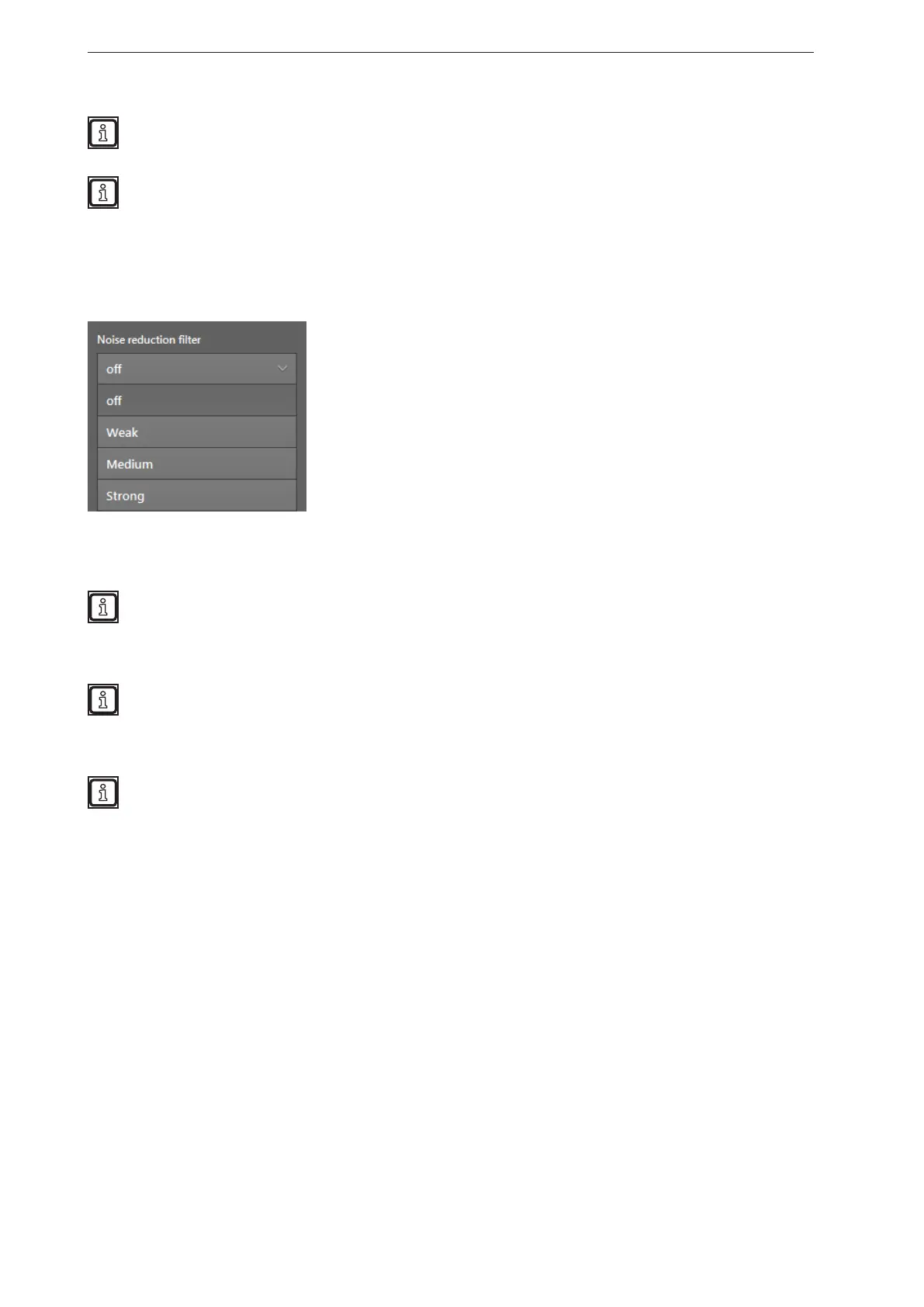
The "Noise reduction filter" filters pixels with excessive noise. The filter estimates the noise level and the
errors that are caused by movements that are too fast.
Depending on the setting, weak, medium or strong noise is filtered. The higher the filter is set, the lower is
the decision threshold of the filter.
Test the ideal filter setting under difficult conditions:
● strong sunlight
● wet surfaces
Do not use the noise reduction filter for the following applications:
● counting a specific number of valid pixels,
● following the movement of an object's edges.
The filters "intelligent data averaging" and "noise reduction filter" can be used simultaneously with
the following settings:
● Noise reduction filter set to "weak" or "off"
● Intelligent data averaging set to "high" (→ „10.9 Intelligent data averaging“)



 To Next Page