ifm Vision Assistant O3M
50
7.1.3 Firmware update
The current firmware is on the supplied data carrier or can be downloaded from the internet if needed:
www.ifm.com → Service → Download
The DI firmware is installed by default on the device. The following firmware is currently available:
● DI - Basic functions (standard firmware)
● OD - Object detection and collision avoidance
● LG - Line guidance
All settings and applications will be deleted when the firmware is updated.
► Export the settings before the firmware update.
► Click on [Refresh] to update the firmware.
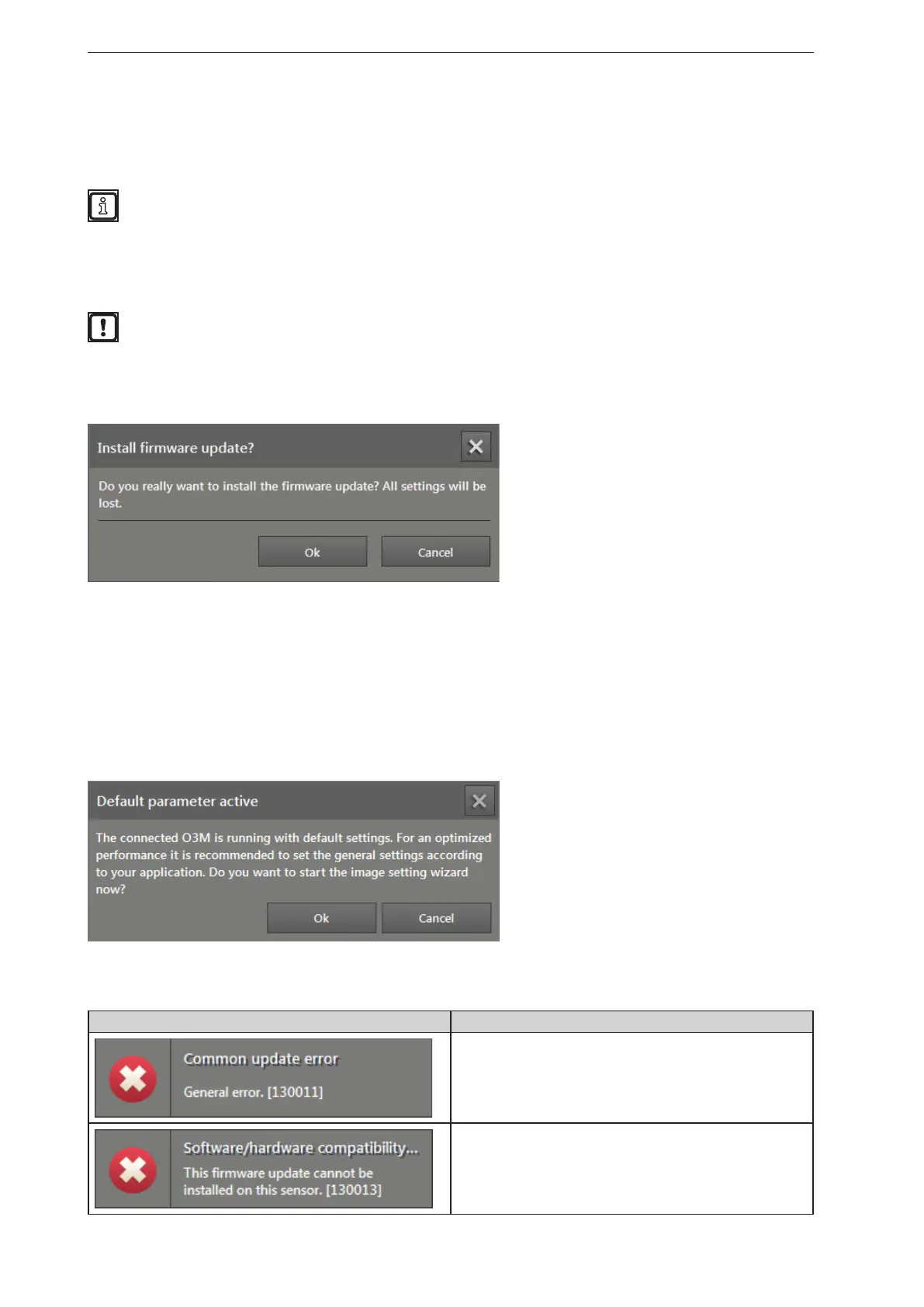
> A safety query is displayed.
► Click on [Ok].
> The "Open" window appears.
► Select the required firmware file (*.fcr).
► Click on [Open].
> The firmware is being updated. After that, the ifm Vision Assistant re-establishes the connection to the
device.
After the firmware update, the following window appears:
Start the assistant by clicking on [Ok] in order to adjust the settings for the corresponding applications.
Error messages
Error message Solution
If the connection to the device is interrupted during a firmware
update, this error message appears.
►Restore the firmware via the manual connection (→ „4.1.2
Manual connection“).
If the connected device of the illumination unit is compatible
with the firmware, the error message below appears.
►Use a different firmware version or compatible hardware.



 To Next Page