19
ifm Vision Assistant O3M
UK
5 Structure of the user surface
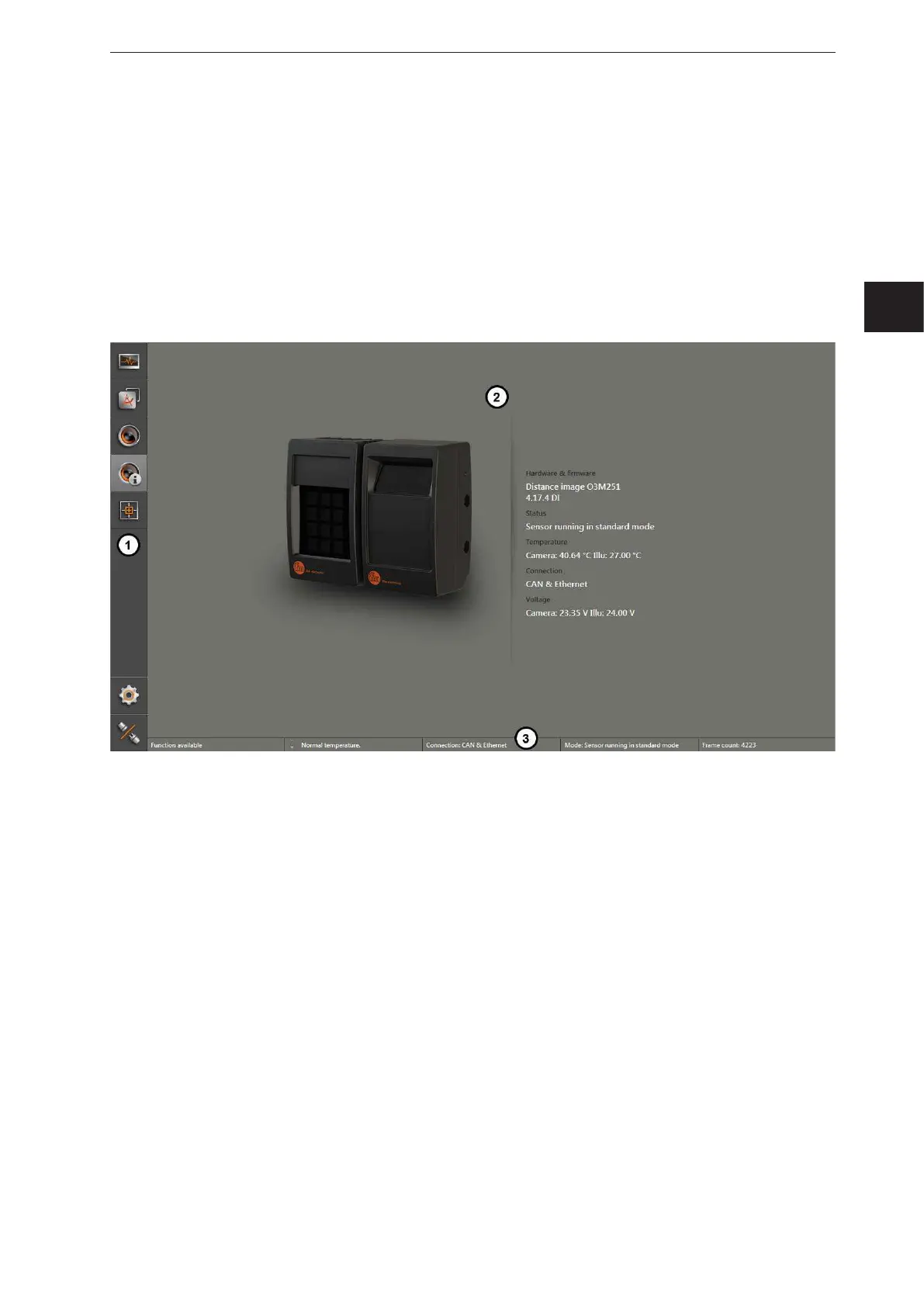
The screen of the ifm Vision Assistant has the following areas:
1. navigation bar:
In the navigation bar on the left, the required option can be selected
(→ „5.1 Navigation bar“).
2. main area:
The main area shows the selected option or application.
3. Status bar:
The status bar at the bottom of the screen shows the status information of the device.
1: Navigation bar
2: Main area
3: Status bar



 To Next Page