ifm Vision Assistant O3M
76
10.6 Soiling detection
The "Soiling detection" recognises soiling of the device's front screen. A soiled front screen leads to
incorrect measuring results. A dedicated LED regularly checks the permeability of the front screen and
detects soiling.
Typical types of soiling are:
● Ice
● Dust
● Humidity/fog/water
● Oil/grease
Soiling of the front screen of the illumination unit is not recognised.
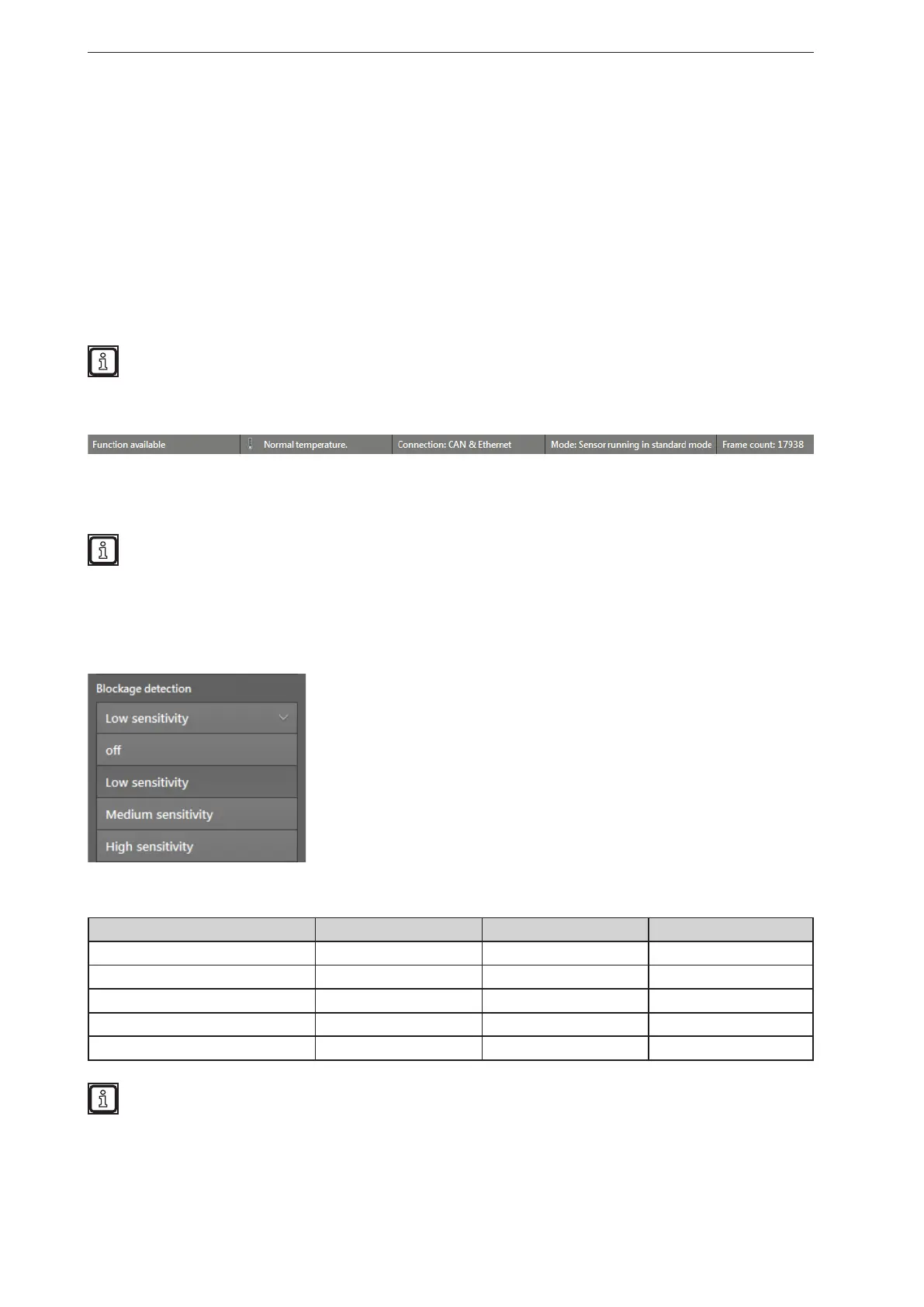
The current degree of soiling is indicated as a percentage value in the status bar in the bottom left corner.
In the status bar, "Function available" is displayed if no soiling is detected:
The degree of soiling (warning value) is provided as a percentage value via CAN and can be evaluated in
applications.
Test the ideal filter setting under difficult conditions:
● strong sunlight
● wet surfaces
10.6.1 Setting the sensitivity
Depending on the setting, the filter works with low, medium or high sensitivity.
The following table shows the sensitivity with which soiling is recognised most reliably.
Dirt Low sensitivity Medium sensitivity High sensitivity
Ice recognised recognised recognised
Dead leaves recognised recognised recognised
Dust partially recognised recognised recognised
Humidity/fog/water not recognised partially recognised recognised
Dirt not recognised not recognised recognised
The setting "high sensitivity" detects smallest degrees of soiling and may lead to false alerts.
Highly reflective objects close to the device (< 0.5 m) are detected as soiling.



 To Next Page