41
ifm Vision Assistant O3M
UK
7.1 Device
In the "Device" window, basic settings of the device can be made.
► Click on [Device].
> The "Device" window appears.
Functions
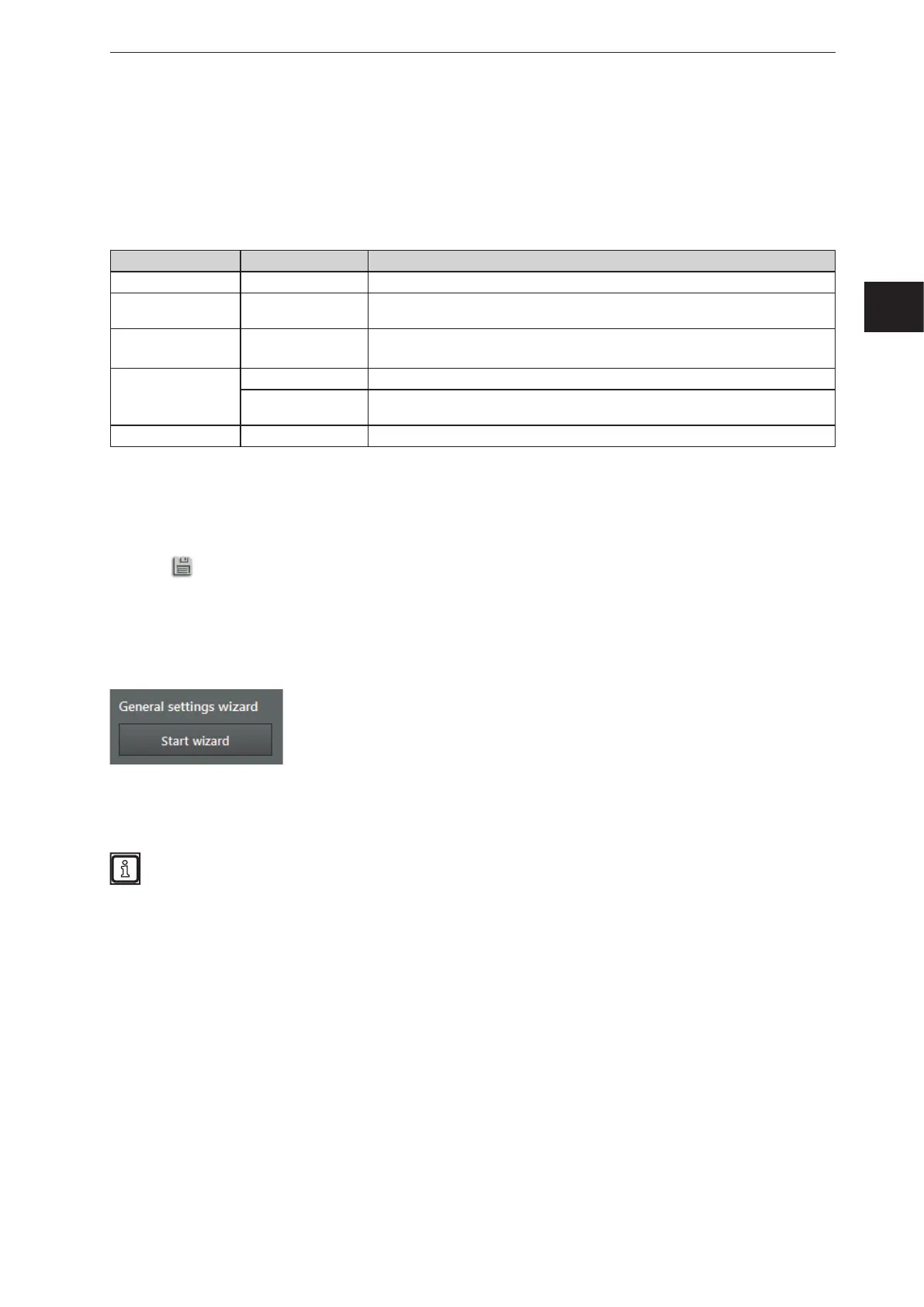
Field Button Description
Name – Editable field to set the device name
General settings
wizard
[Start] Starts the assistant for general sensor settings
firmware update [Update]
Installs a firmware update.
The current version of the firmware is shown next to the button.
Import / Export
[Export] Creates a copy of the settings and applications on the PC.
[Import] Saves a copy of the settings and applications that are on the PC to the device.
Reboot the sensor [Reboot sensor] Reboots the device.
7.1.1 Name
The name of the device can be edited at will.
► Click on the input box.
► Enter name.
► Click
to save the changes.
7.1.2 General settings wizard
The "General settings wizard" adjusts the device to the corresponding application. At the beginning, the
assistant retrieves basic settings about the application of the device. At the end, the device is set by the
assistant.
► Click on [Start].
> The general settings wizard appears.
The general settings wizard starts automatically after flashing a firmware (→ „7.1.3 Firmware
update“).



 To Next Page