73
ifm Vision Assistant O3M
UK
10.2 Applying filters
The setting of the filters depends on the application and the environment. The filters must be set
separately for each application. When setting the filters, several aspects must be considered.
When looking at the filtered data, there is scope for interpretation, for example, due to noisy pixels.
The combination of different filters increases the reliability. However, a slight degree of uncertainty
always remains.
10.2.1 Example of area monitoring
For a better understanding of the connections between filter and application, the application "area
monitoring" and possible uncertainties are explained as an example.
The application "area monitoring" is supposed to trigger an alarm if a person enters a specific area.
The filters "signal quality filter" and "noise reduction filter" are set to [low] / [weak]. For these settings,
there are not many uncertainties caused by noisy pixels.
The filter "soiling detection" is set to [high sensitivity]. With this setting, there are not many uncertainties
caused by fog, water or ice.
Possible uncertainties due to wrongly interpreted pixels are tolerable since the security staff can inspect
the situation.
10.3 Signal quality filter
The "Signal quality filter" can filter pixels of dark objects. This reduces the number of incorrect
measurements. It does not matter how far the pixels are away. Typical applications are:
● Filtering image zones with dark objects
● Filtering invalid pixels caused by fog
● Filtering invalid pixels caused by very close objects (< 0.5 m)
Dark objects are objects that reflect little light in the infrared range (850 nm).
To the human eye, dark objects are often quite visible in the infrared range. How much light an
object reflects at 850 nm can be verified in the monitoring screen with the amplitude image (→ „6
Monitoring window“).
Do not use the signal quality filter to track dark objects in the infrared range.
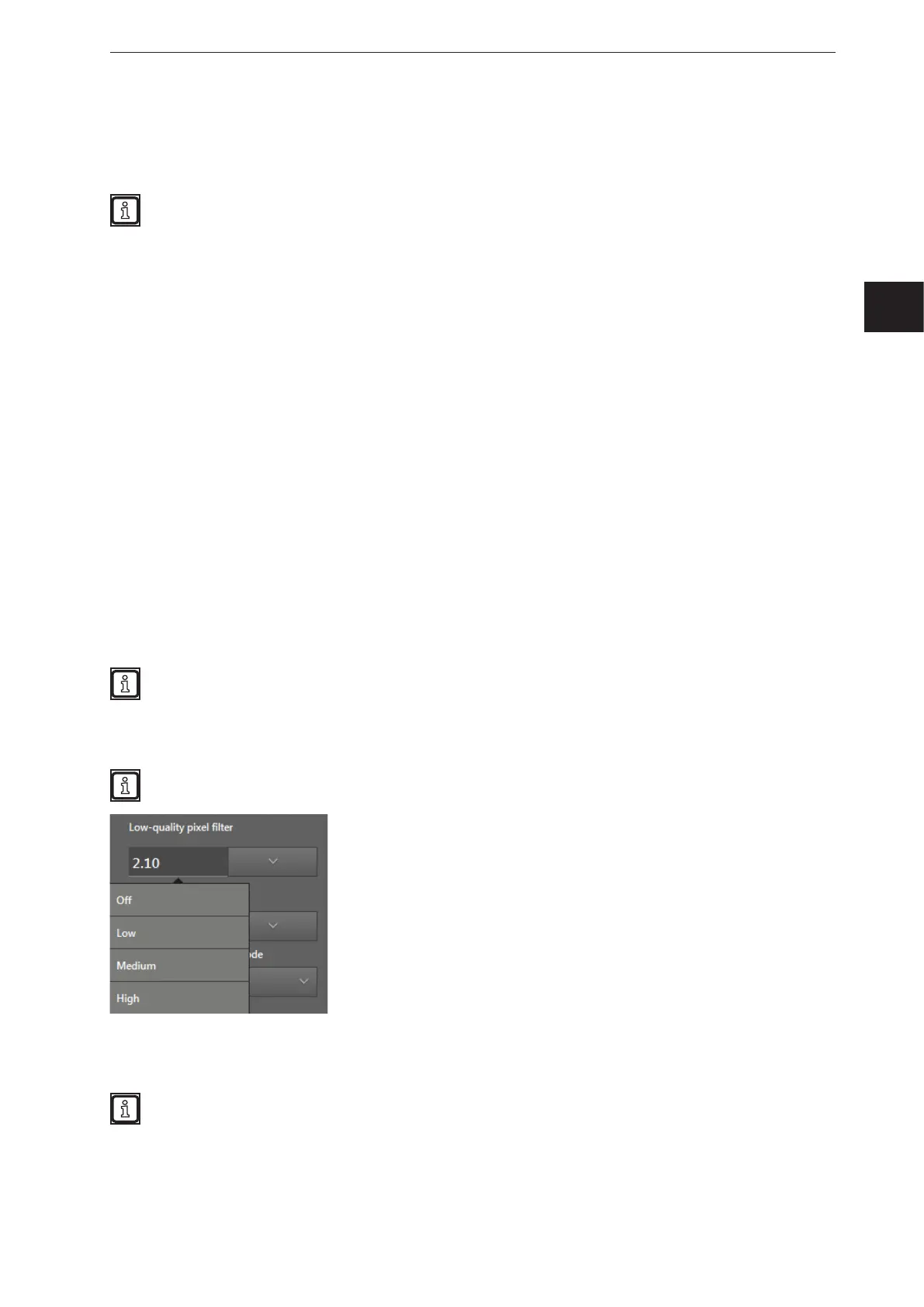
Depending on the setting, the filter works with low, medium or high sensitivity. The higher the sensitivity,
the more pixels are filtered and marked as invalid.
Test the ideal filter setting under difficult conditions:
● strong sunlight
● wet surfaces



 To Next Page