83
ifm Vision Assistant O3M
UK
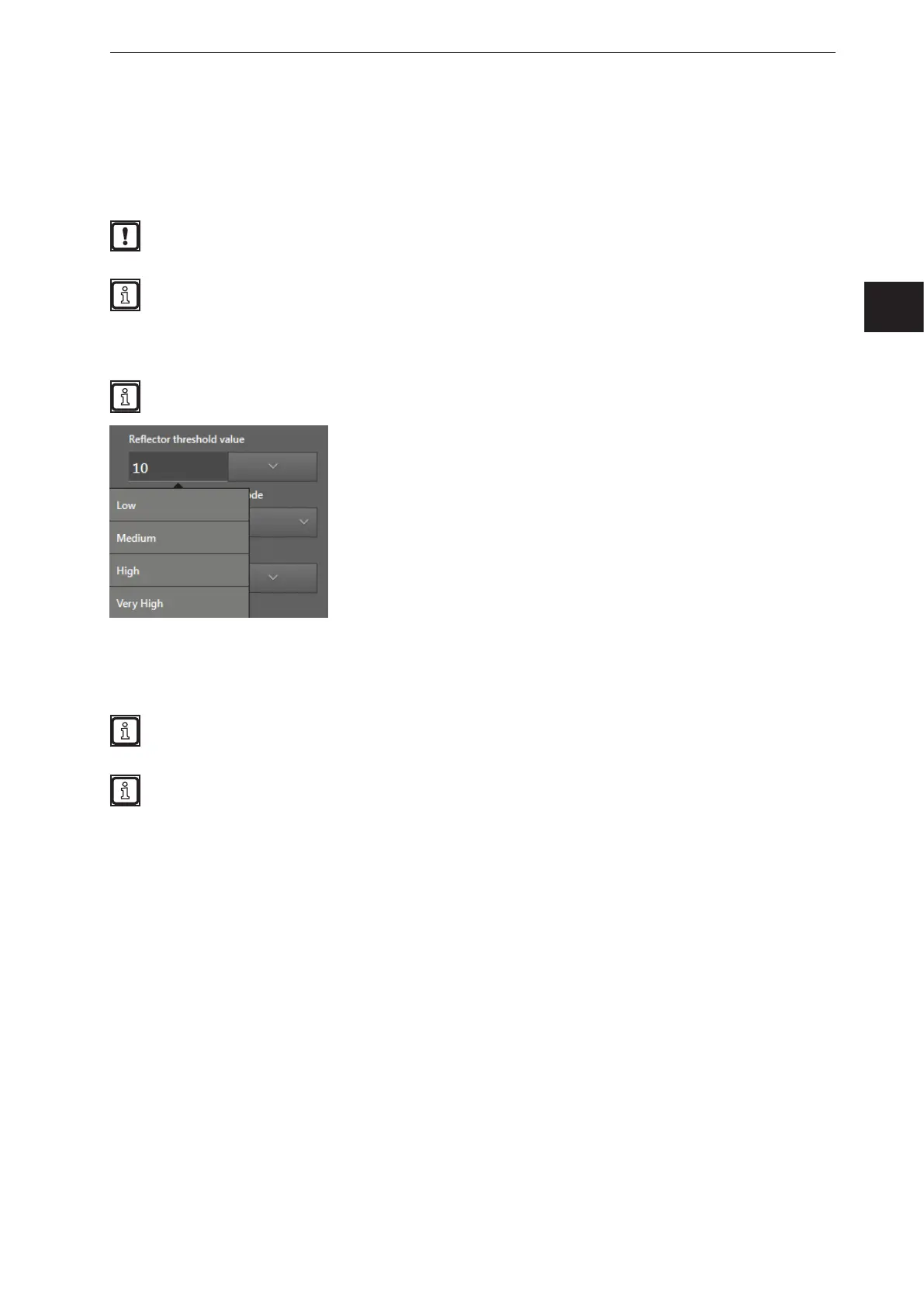
10.10 Reflector threshold value
The filter "Reflector threshold value" can filter pixels of bright objects. It does not matter how far the pixels
are away. Typical applications are:
● Filtering image zones with bright objects
The filter "Reflector threshold value" only works with the firmware
"OD - Object Detection and Collision Avoidance" (→ „7.1.3 Firmware update“).
Bright objects are objects that reflect much light in the infrared range. The objects are brighter than
white in the infrared range, e.g. a reflector (cat's eye, reflective tape, etc.).
How much light an object reflects can be verified in the monitoring screen with the amplitude image
(→ „6 Monitoring window“).
Do not use the reflector threshold value filter to track bright objects in the infrared range.
Depending on the setting, the filter works with a low, medium or very high threshold level. The lower the
threshold level, the more pixels are recognised and filtered as a reflector. With a low threshold level, the
probability that a pixel is mistaken for a reflector increases.
When detecting reflectors, the distance between the device and the illumination must be as short
as possible. Otherwise, the reflectors will not be properly recognised.
Test the ideal filter setting under difficult conditions:
● strong sunlight
● wet surfaces



 To Next Page