ifm Vision Assistant O3M
58
9 Calibration settings
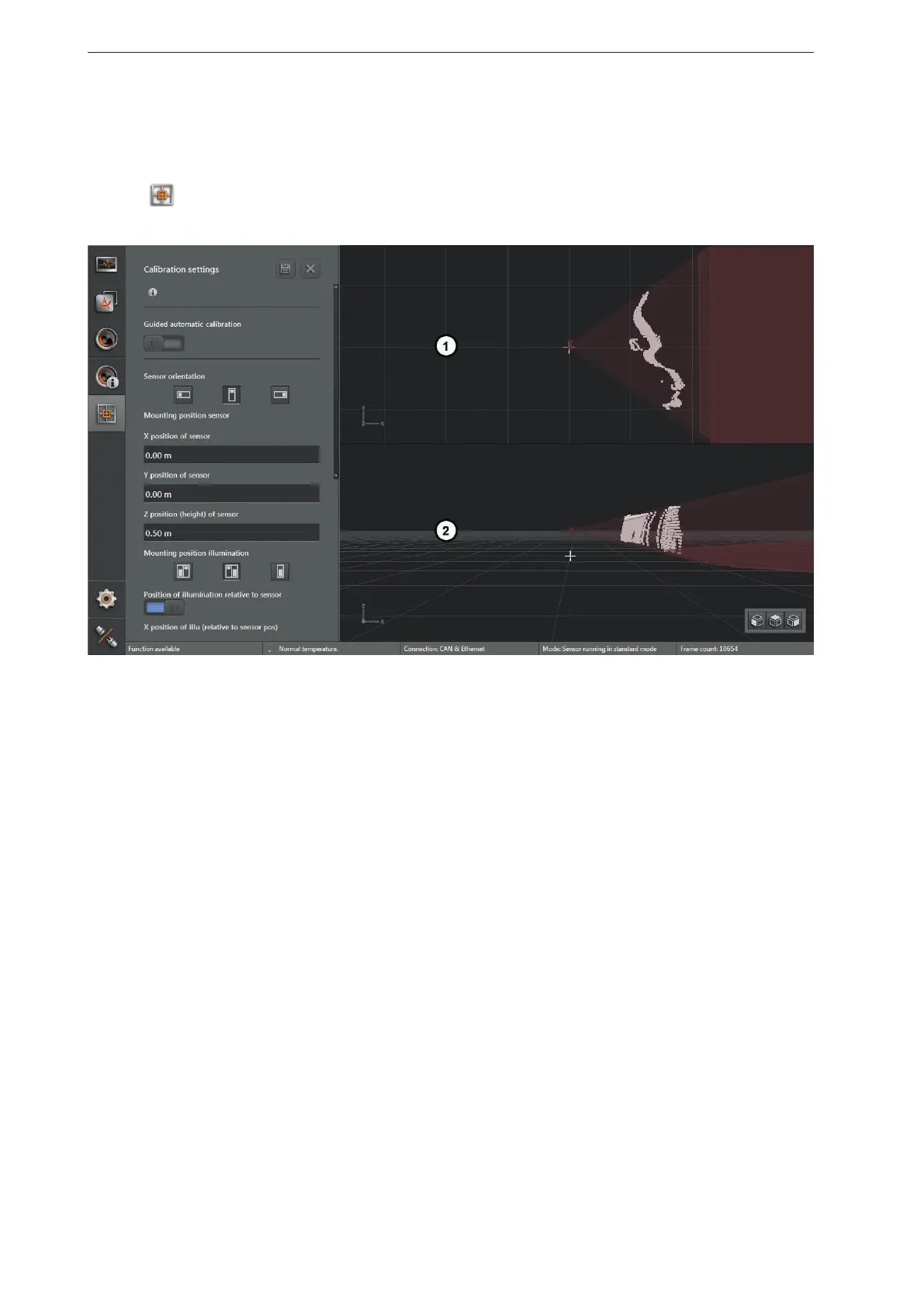
In the calibration settings, the device can be calibrated for the intended application.
► Click
.
> The calibration settings are shown.
1: 3D view from above (not adjustable)
2: 3D view (freely adjustable)
9.1 What is calibration?
The device provides 3D coordinates for each pixel. The 3D coordinates always relate to the coordinate
origin of the world coordinate system. The calibration settings make it possible to freely define the world
coordinate system and to adjust the device to it.
The help options in the calibration settings are adapted to mobile machines. Regardless of this, the
calibration settings can be used for any application.
The three coordinate axes are X, Y and Z. The reference point of the 3D coordinate system can be
defined at will. Examples:
● measured object distance related to the device
● front part of a vehicle
● any reference point of a machine
The calibration settings provide the tools that are necessary for this.



 To Next Page