91
ifm Vision Assistant O3M
UK
The available conditions depend on the installed firmware (→ „7.1.3 Firmware update“).
The following conditions are available in each firmware:
● Static
● Operation Mode
● Availability
● Digital I/O
By clicking on
,the graphics is deleted from the selection, but it stays in the device.
With the symbol , the graphic is deleted from the selection and from the device.
11.2.4 Live ticker
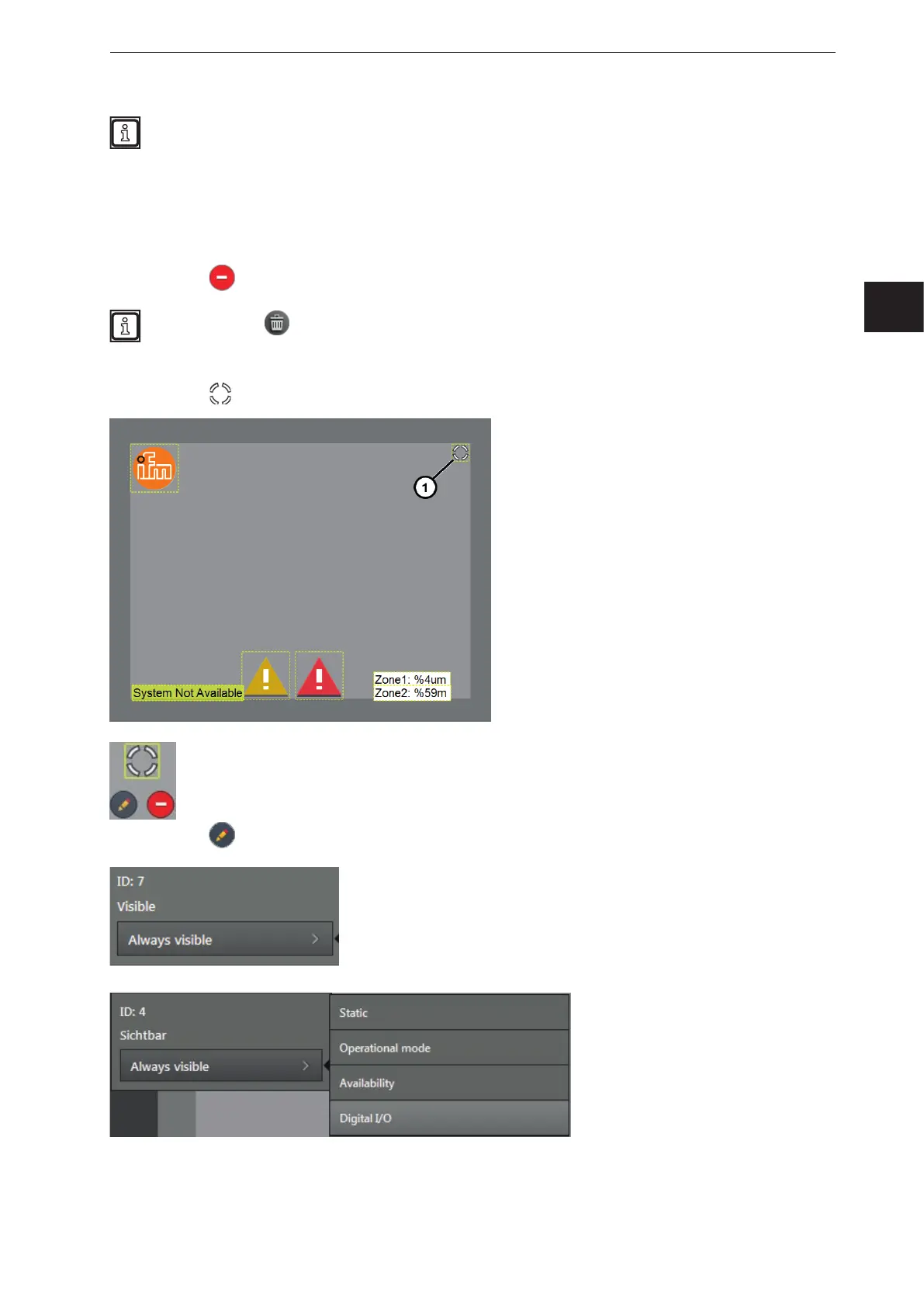
The live ticker shows at a glance whether the video image is active.
If the video image is active, the live ticker is
turning in the top right corner in the "Preview
of the 2D overlay" (1).
The live ticker can be edited in the "Preview of
the 2D overlay":
● Move the live ticker by holding the mouse
button.
By clicking on
, the live ticker can be edited and the following window opens.
The ID of the live ticker is 7.
In the list "Visible", the visibility of the live
ticker can be set.
The visibility of the text can be
coupled to the different conditions
of the device.



 To Next Page