77
ifm Vision Assistant O3M
UK
10.6.2 Removal of soiling
Depending on the soiling, use one of the following methods of removal:
Dirt Method of removal
Ice ► scratch the ice off carefully or
► wait until the device is warmed up and the ice has melted
(depends on the ambient temperature)
Dust ► remove with a damp micro-fibre cloth
Humidity/fog/water ► remove with a micro-fibre cloth
Oil/grease ► remove using a cleaning agent
Due to the hysteresis, it takes a few seconds after the soiling is removed before "Function
available" appears in the status bar.
10.7 Frame rate
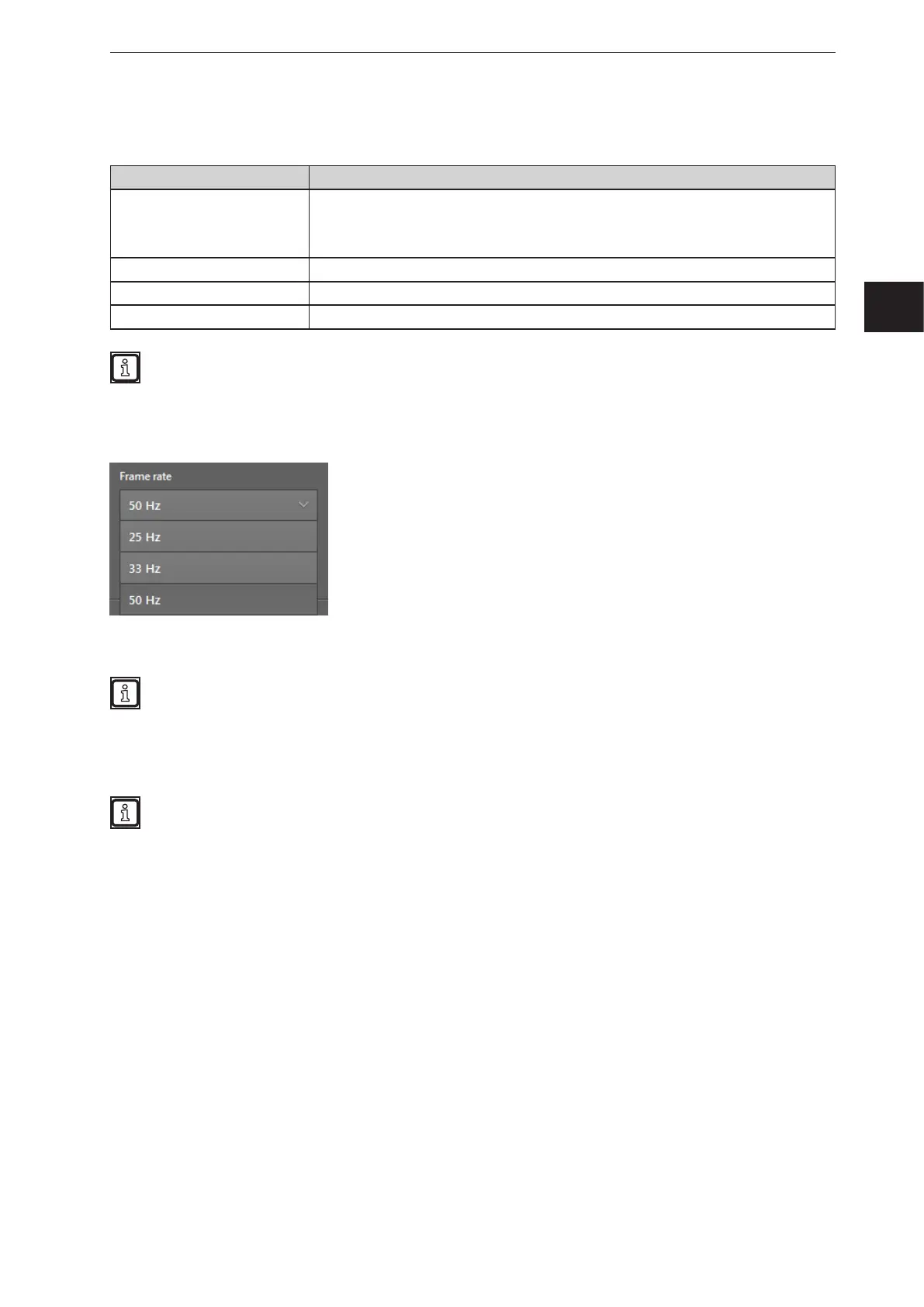
The "frame rate" of the device, i.e. the frequency with which the images are captured, can be set.
The frame rate is set as Hertz [Hz] frequency. The default value is 50 Hz.
A low frame rate has several advantages:
● low bus load
● low electric power (important factor for battery-operated systems)
● reduced heating of the illumination unit
Choose the highest possible frame rate when using the device on mobile machines.



 To Next Page