ifm Vision Assistant O3M
88
11.2.1 Add text
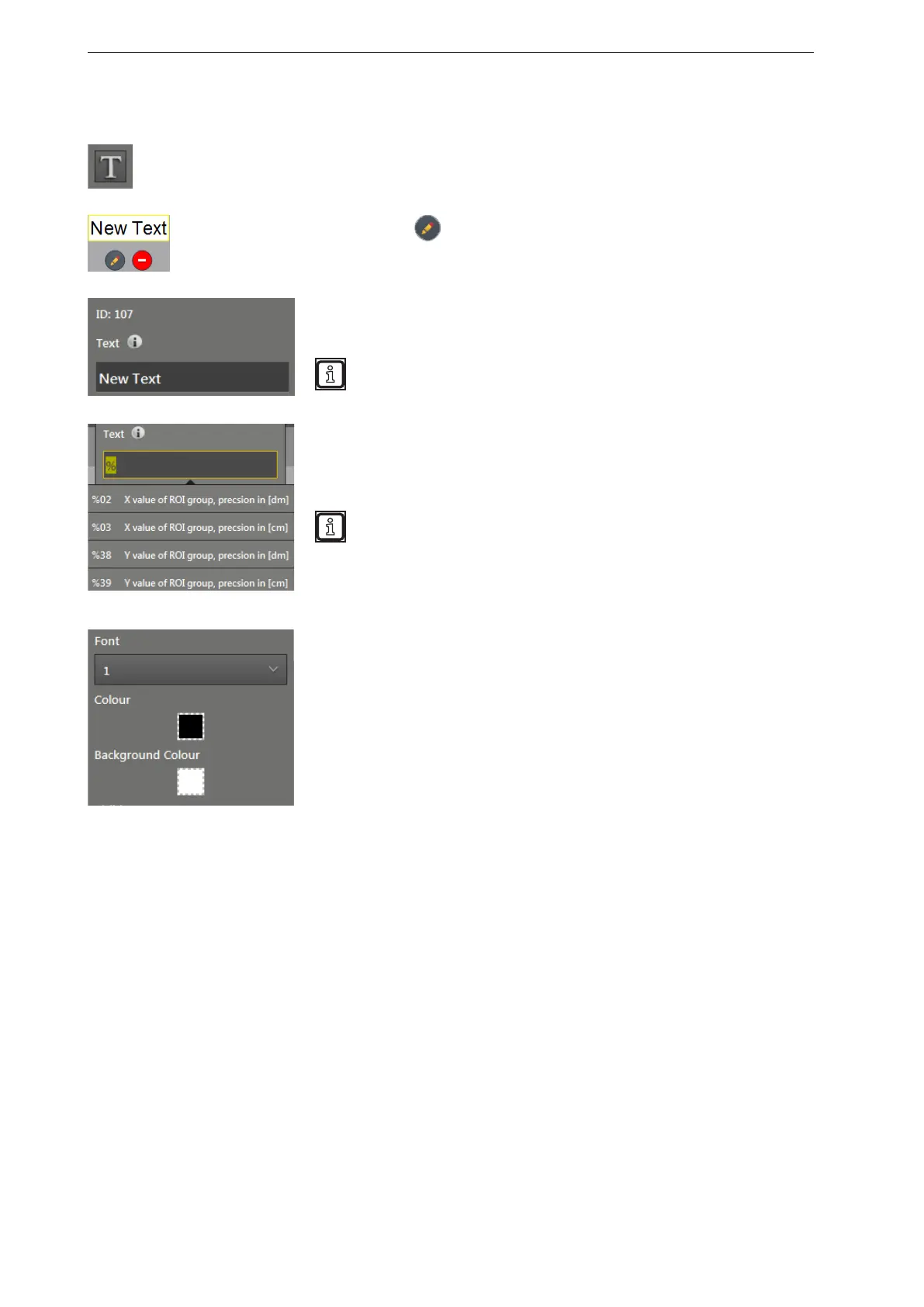
The [Add text] button changes the mouse pointer into a cross hair. After that, a text can be
added to the "Preview of the 2D overlay" by clicking.
By clicking on , the text can be edited and the following window
opens.
The text has the ID 107. Each text has its own ID.
In the "text" field, the text to be displayed can be edited.
In the "text" field, the variables can be used in the form of text
replacement codes (→ „16.2 Text replacements and conditional
codes“).
The text replacement codes start with a "%". By entering the "%" in
the text field, a selection list opens that features the available text
replacement codes. Several text replacement codes additionally
require entering an ID (e.g. the ROI group number).
The functions of the selected text replacement code are shown by
clicking.
The available text replacement codes depend on the installed
firmware.
Only one text replacement code can be used per text field.
4 fonts are available for the text design. The fonts differ in shape and
size.
With the "Colour" field, the text colour can be changed.
With the "Background colour" field, the background colour of the text
can be changed.


 To Next Page