ifm Vision Assistant O3M
22
6.1.1 2D View
► Click to show the 2D view.
► Adjust the 2D view.
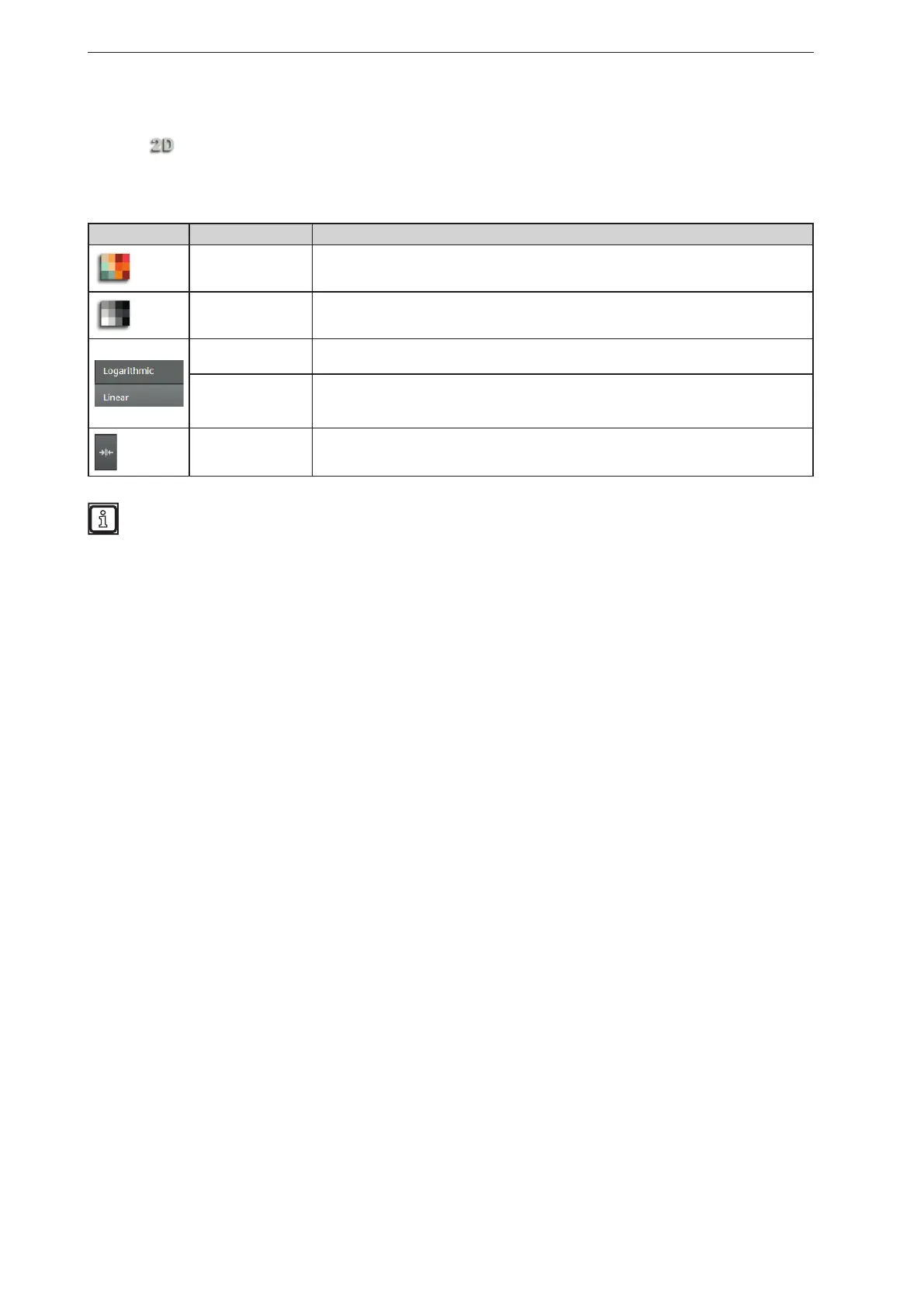
The following settings are available in the tab "View options":
Button Name Description
Distance image Visualises the pixels in the 2D view in relation to the distance values.
Amplitude image
Visualises the pixels in the 2D view in relation to the amplitude values in levels of grey
(brightness).
Logarithmic
Visualises the amplitude values of the 2D view in logarithmic levels of grey (only
available for the amplitude image).
Linear
Visualises the amplitude values of the 2D view in linear levels of grey (only available for
the amplitude image).
The "linear" view is particularly helpful when setting up the image.
Rescaling
Sets the colour range automatically to an adequate area. The settings of the slider bars
are dismissed.
The display settings (e.g. [Logarithmic] or [Linear]) only change the calculation and type of
visualisation. The application itself is not affected by it.



 To Next Page