ifm Vision Assistant O3M
52
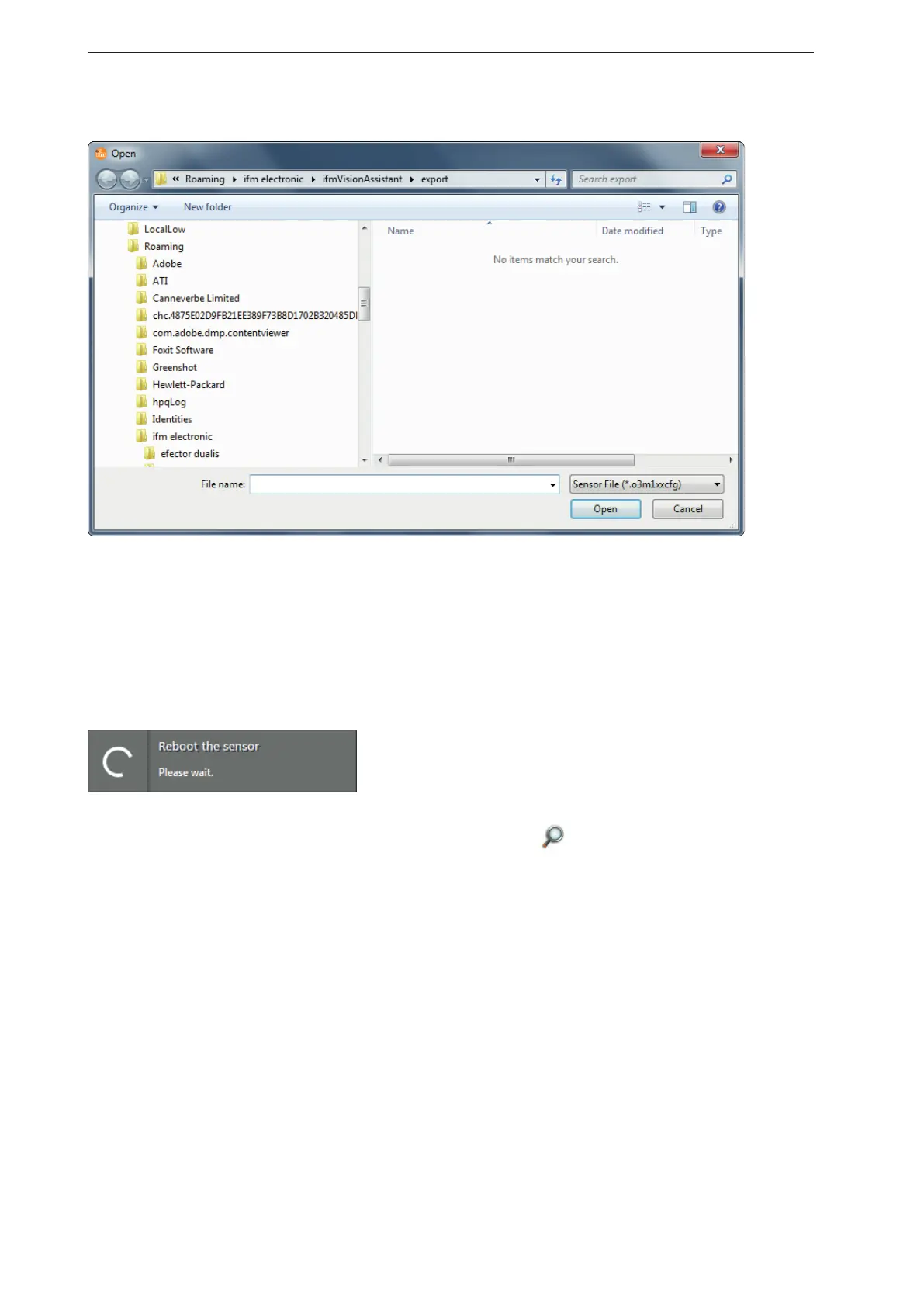
> The "Open" window appears.
► Select the required file with the ending .o3m1xxcfg and click on [Open].
> The settings will be imported.
7.1.6 Reboot the sensor
The device can be rebooted using the [Reboot sensor] button.
► Click on [Reboot the sensor].
> The device reboots.
> The ifm Vision Assistant establishes a new connection with the device.
► If the new connection to the device fails, search the device via
The ifm Vision Assistant establishes a new connection with the device.
on the start screen or connect it
manually.



 To Next Page