55
ifm Vision Assistant O3M
UK
Field Description
Synchronisation
of several
sensors on one
CAN
Selection menu to set the behaviour of several sensors on one CAN bus.
To synchronise several devices, one device is set as "Exposure Master". The Exposure Master sends sync
messages to further devices.
Further devices are set as "Exposure slave 2 (time shifted)" or "Exposure slave 1 (simultaneous)" The devices
receive the sync messages of the Exposure Master and synchronise themselves correspondingly.
►Set further devices as "Exposure slave 1 (simultaneous)" if the fields of view of the devices do not overlap.
►Set further devices as "Exposure slave 2 (time shifted)" if the fields of view of the devices do not overlap.
It is possible to synchronise several units on one CAN bus if the following points apply:
● The CAN protocol "J1939" is set.
● The frame rate is set to 25 Hz or 33 Hz.
● The Exposure Master has source address "239".
To ensure that the synchronisation is as error-free as possible, it is recommended to set up a separate CAN
bus for the devices.
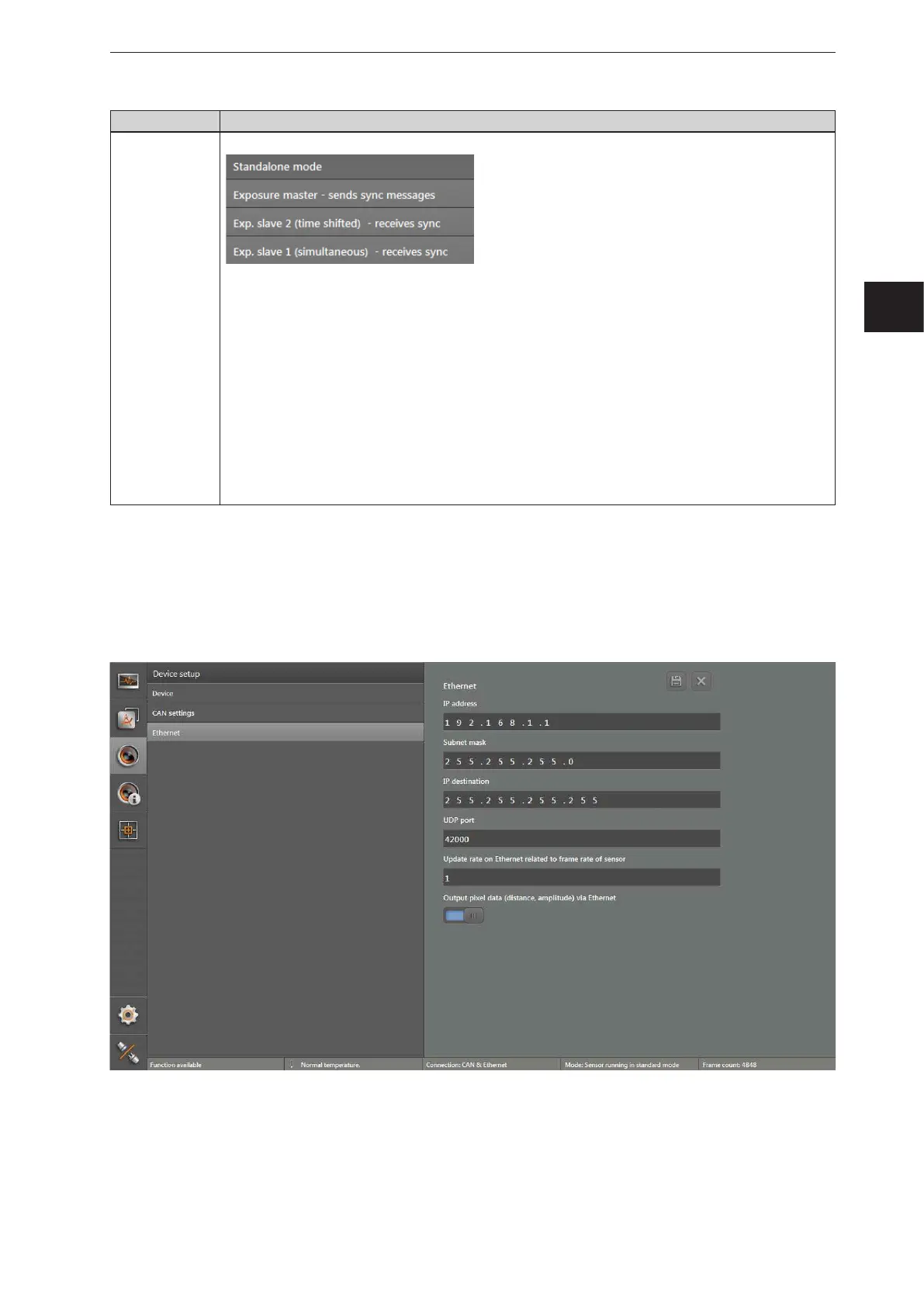
7.3 Ethernet
In the "Ethernet" window, the network settings of the device are changed.
► Click on [Ethernet].
> The "Ethernet" window appears.



 To Next Page