ifm Vision Assistant O3M
56
Functions
Field Description
IP address Editable field to set the IP address of the device. Default value is "192.168.1.1".
Subnet mask Editable field to set the subnet mask. Default value is "255.255.255.0".
IP destination Editable field to set the IP address of the receiver. Default value is "255,255,255,255".
UDP port Editable field to set the UDP port. Default value is "42000".
Update rate on Ethernet related
to frame rate of sensor
Editable field to set the data update via Ethernet. Frequent refreshing utilises more Ethernet
capacity which may slow down response times. The following refresh rates can be set:
● 1: Each image of the device refreshes the data via Ethernet (high Ethernet capacity utilisa-
tion)
● 2: Every second image of the device refreshes the data via Ethernet
● 3: Every third image of the device refreshes the data via Ethernet
● 4: Every fourth image of the device refreshes the data via Ethernet
● 5: Every fifth image of the device refreshes the data via Ethernet (low Ethernet capacity
utilisation)
Output pixel data
(distance, amplitude)
With this switch, the pixel data output via Ethernet can either be activated or deactivated.
Deactivating the pixel data reduces the bus load because only the functional results will be
transmitted. By default, the switch is set to "on".
In the interface descriptions, the CAN and Ethernet interfaces are described in detail.
► Enter network settings in the input fields.
► Click
Enter network settings in the input fields.
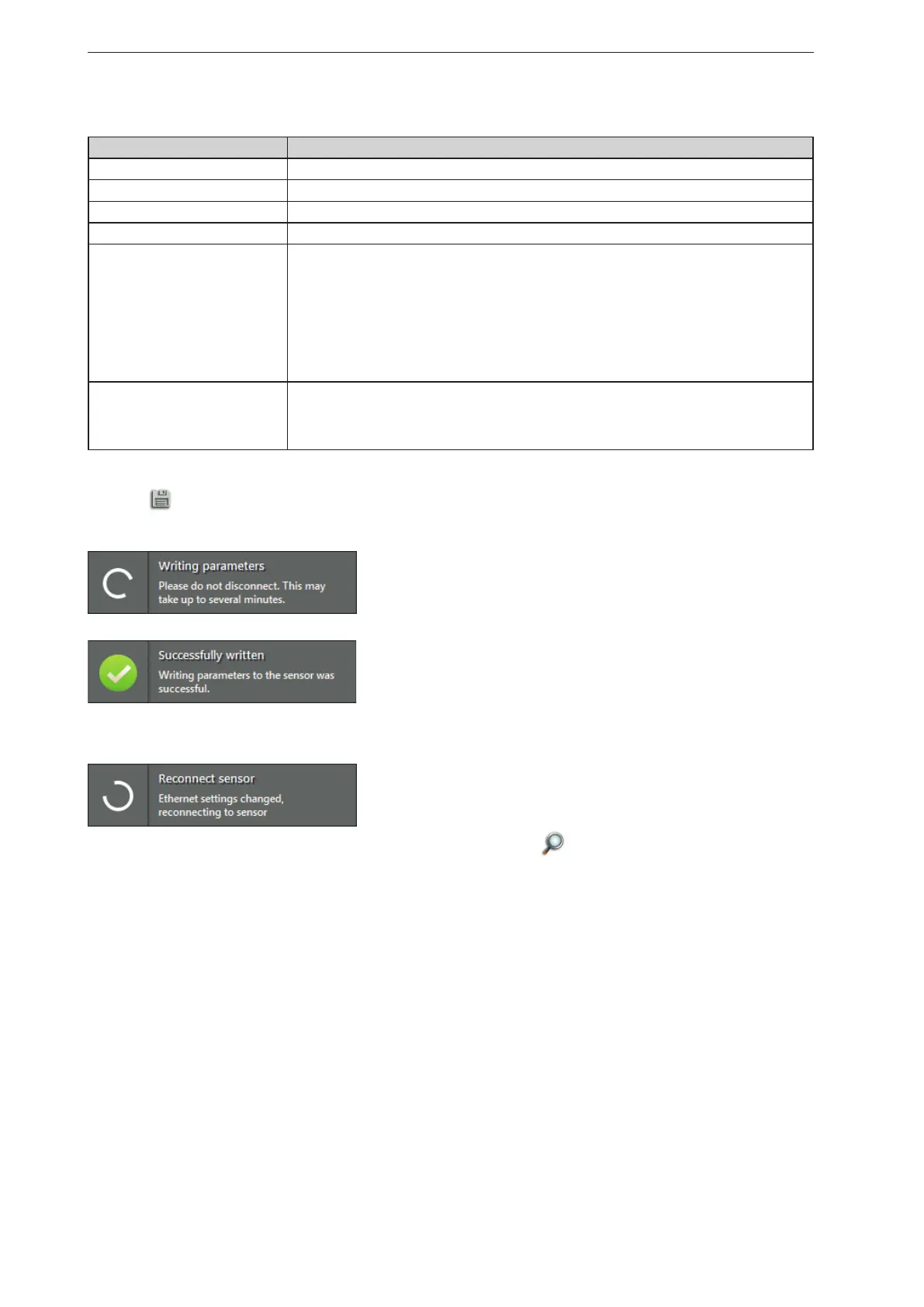
to save the changes.
> The ifm Vision Assistant writes the new settings to the device.
> The ifm Vision Assistant establishes a new connection with the device:
► If the new connection to the device fails, search the device via on the start screen or connect it
manually.



 To Next Page