27
ifm Vision Assistant O3M
UK
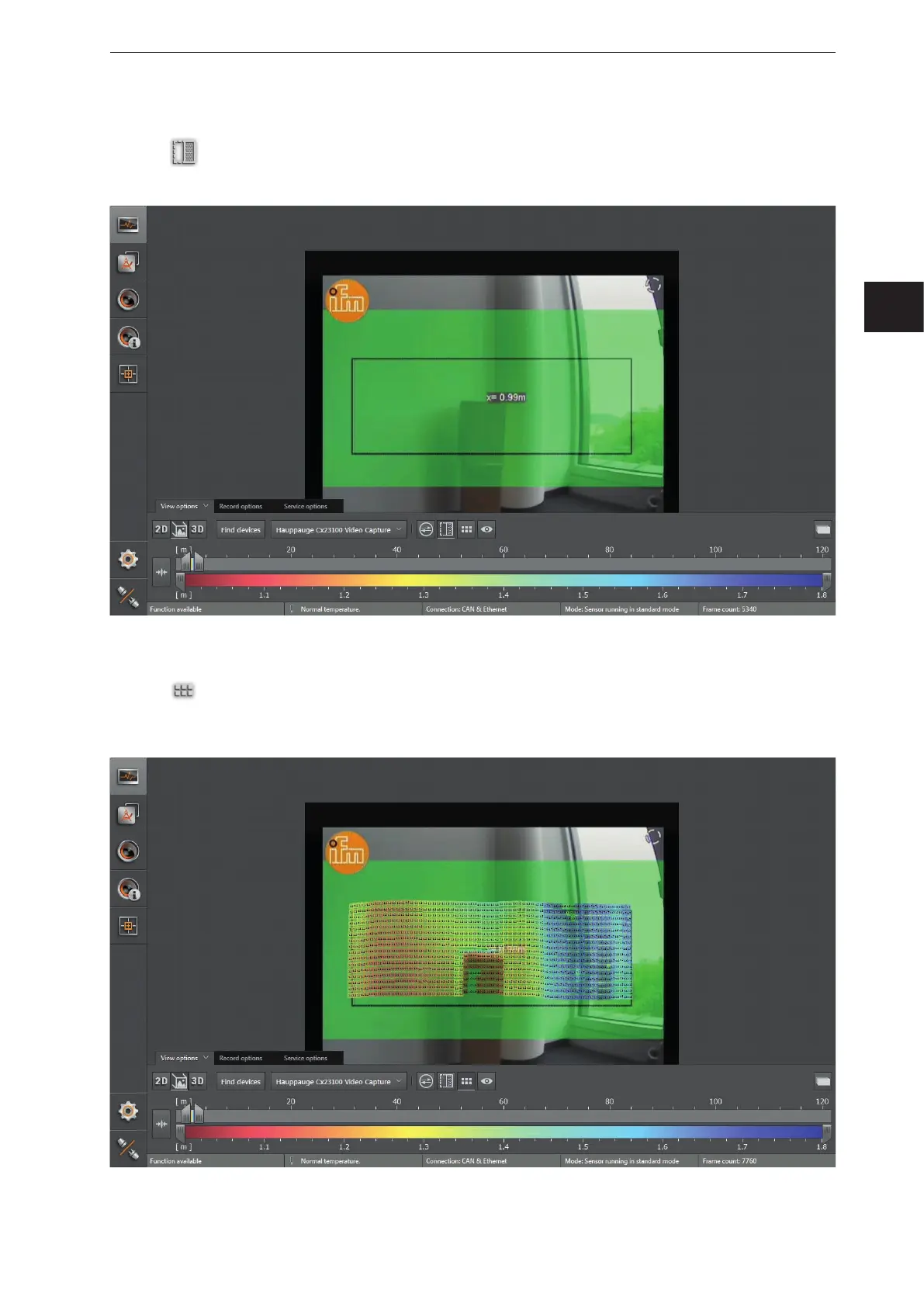
Spatially filtered 3D data
► Click
to activate the spatially filtered 3D data.
> Which 3D data is to be spatially filtered can be configured in chap. „10.11 Measuring range“.
Pixel
► Click
to display the distance values per pixel.
> Each pixel contains the distance as a numeric value. The colour shade depends on the measured
distance of the pixel and the setting of the colour scale (→ „6.1.4 Slider bar“).



 To Next Page