37
ifm Vision Assistant O3M
UK
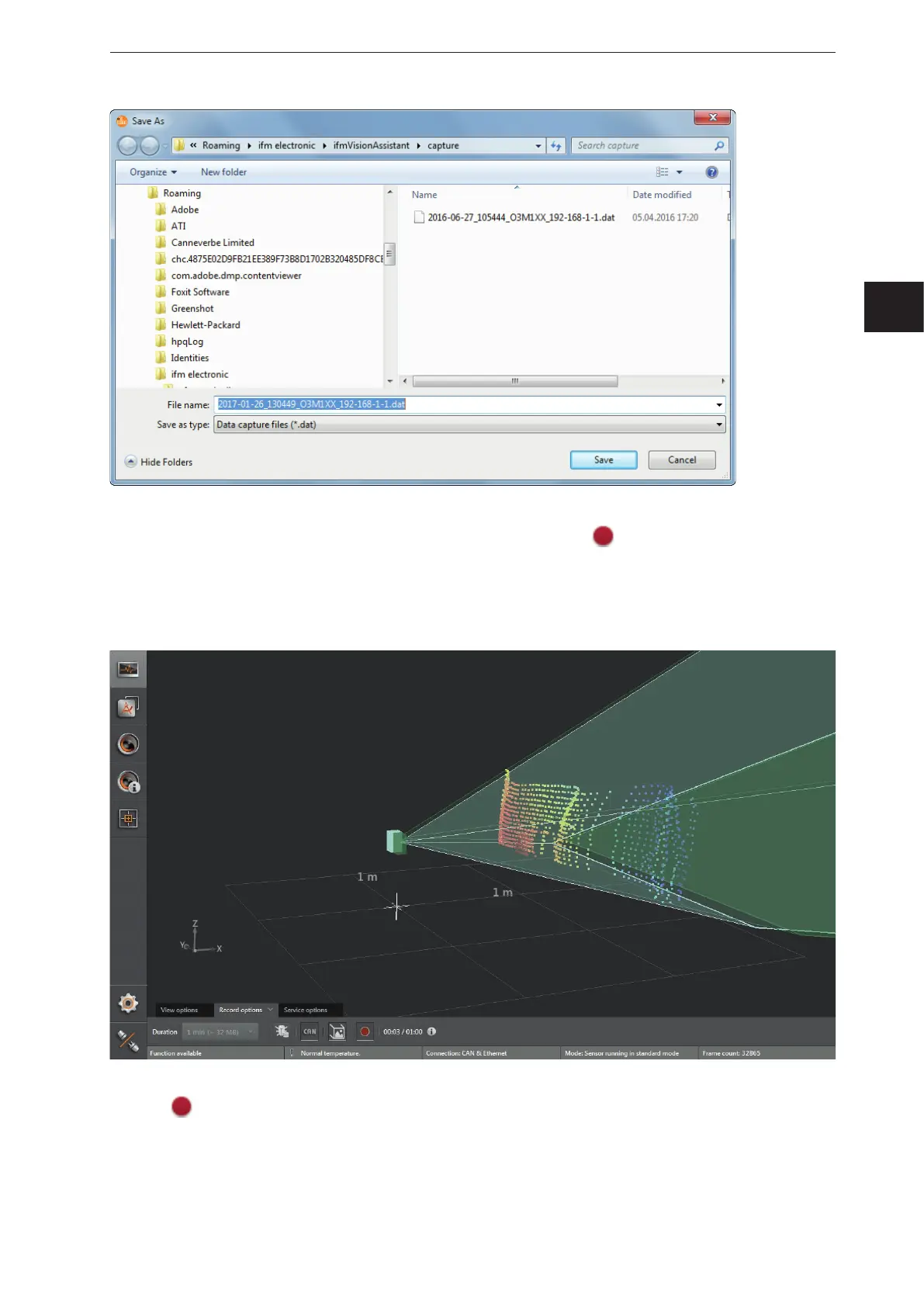
► Click [Save].
> The recording starts and the recorded time is displayed next to the
button.
Example: 1 minute and 5 seconds of the set 2 minutes are displayed as 01:05/02:00.
> The recording ends automatically as soon as the set recording time is reached. In case the duration is
set to "infinite", the recording is limited by the free memory capacity of the data carrier.
► Click again to manually stop the recording before the set recording duration is reached.
> The sequence is stored and can be played back using the [Replay] option on the start screen.



 To Next Page