ifm Vision Assistant O3M
16
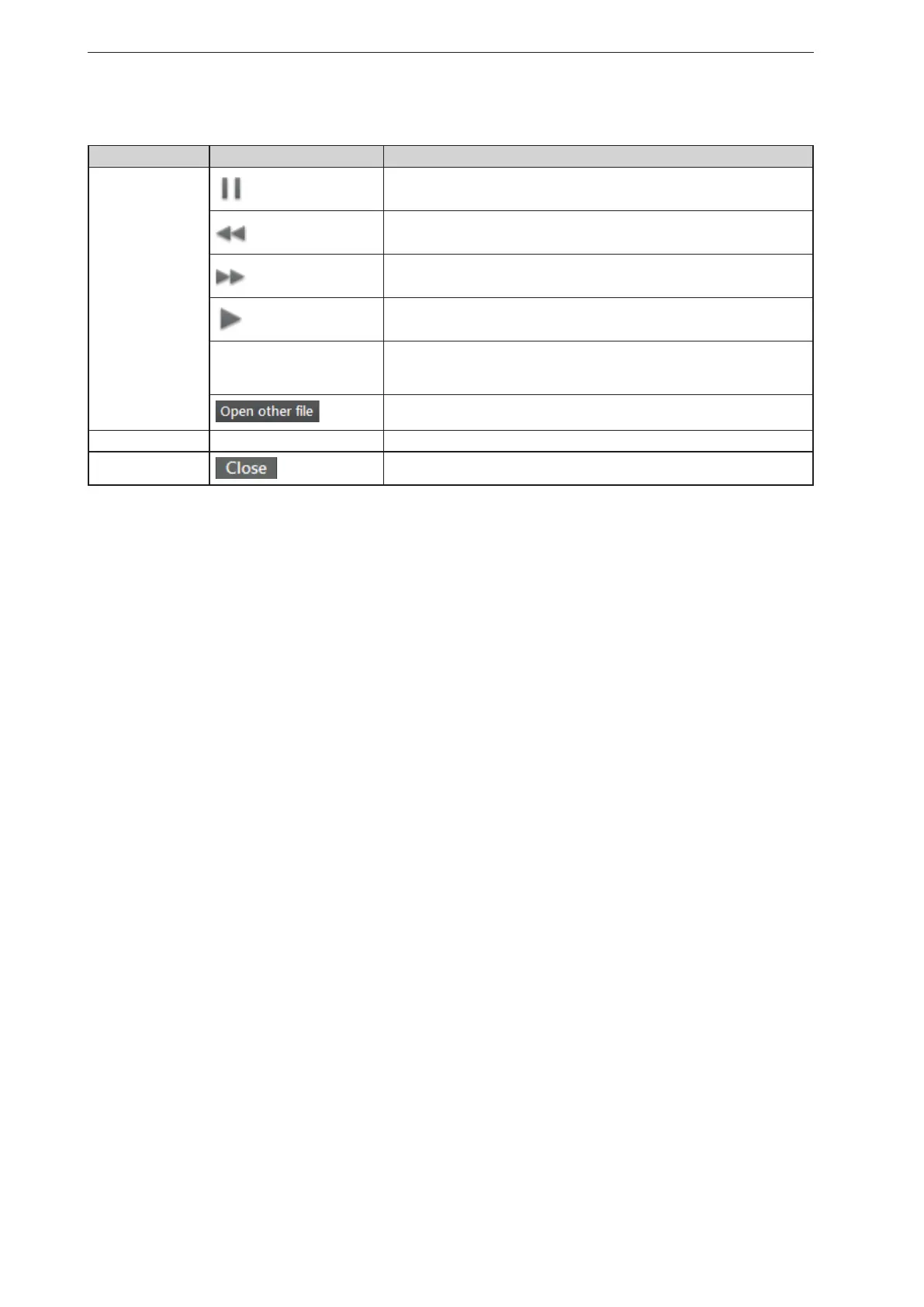
Options on the playback screen:
Tab Option / button Description
Replay
controls
pause
Stops playback.
Down
Stops playback and shows the previous picture.
Up
Stops playback and shows the next picture.
Start
Continues playback.
Progress bar Indicates the current position in the recording.
By clicking on a position in the progress bar, playback continues at the
corresponding image.
Opens a window in which a file can be selected.
View options – → „6.1 View Options“
–
Closes the playback screen and opens the start screen.
► Click on [Close] to return to the start screen.



 To Next Page