11 Device manager
108
Exit function
Touch the screen here to exit the function and return to the visualization from which it was
called up.
Details
This function displays additional information on the selected entry.
Update
The display is not cyclically updated. This function is used to update the display, i.e. the system
searches for new entries that are not yet present in the list.
Selected entry
The user can select or mark an entry by touching it.
The "Details" function can be used to show additional information. This requires there to be ad-
ditional information available for the selected entry.
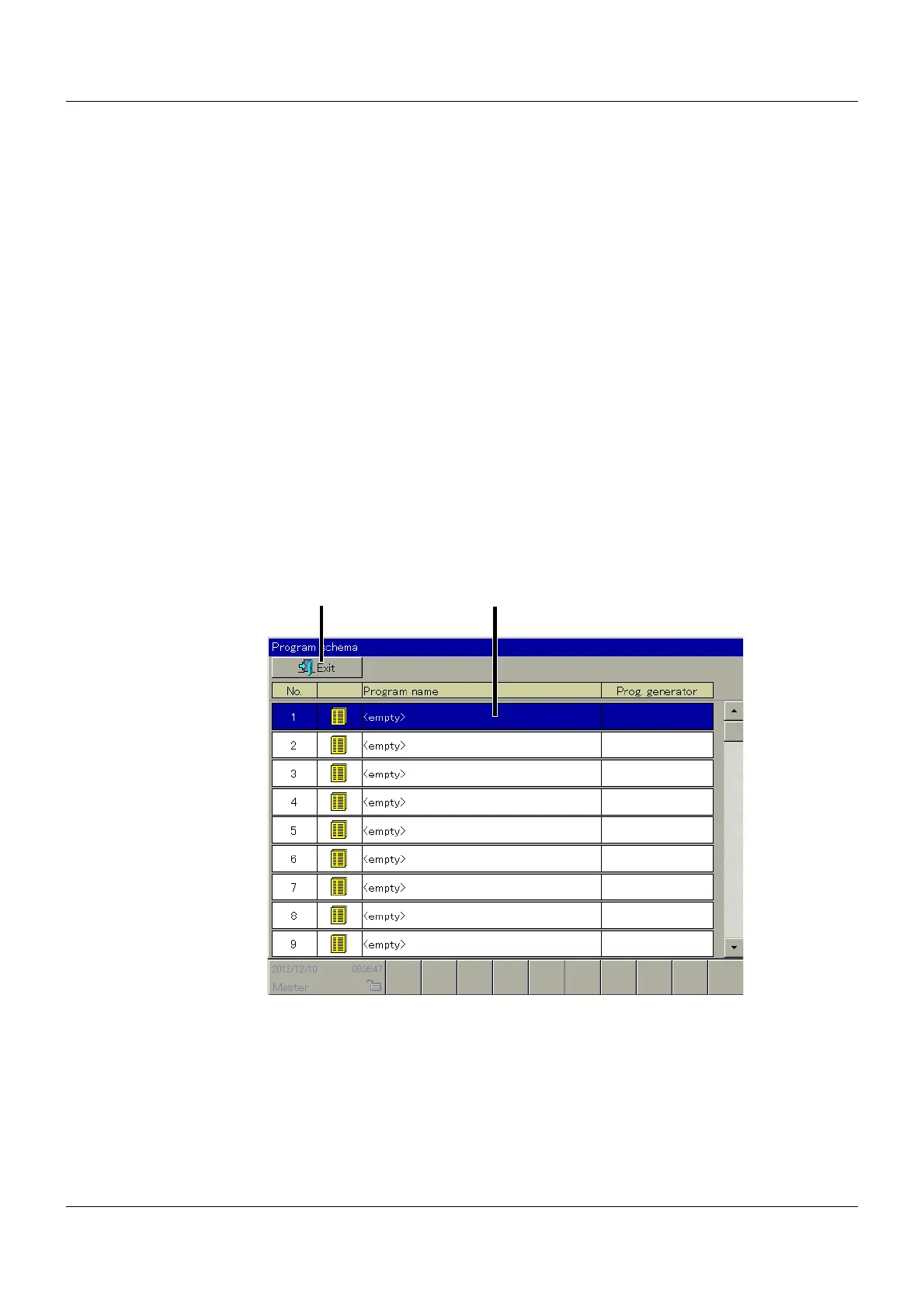
11.3 Program schema
11.3.1 General
The user can use this function to store up to 100 programs or change existing programs.
Exit function
Touch the screen here to exit the function and return to the visualization from which it was
called up.
(1) Exit function (2) Selected entry



 To Next Page