53
7 Visualization
Selecting visualization
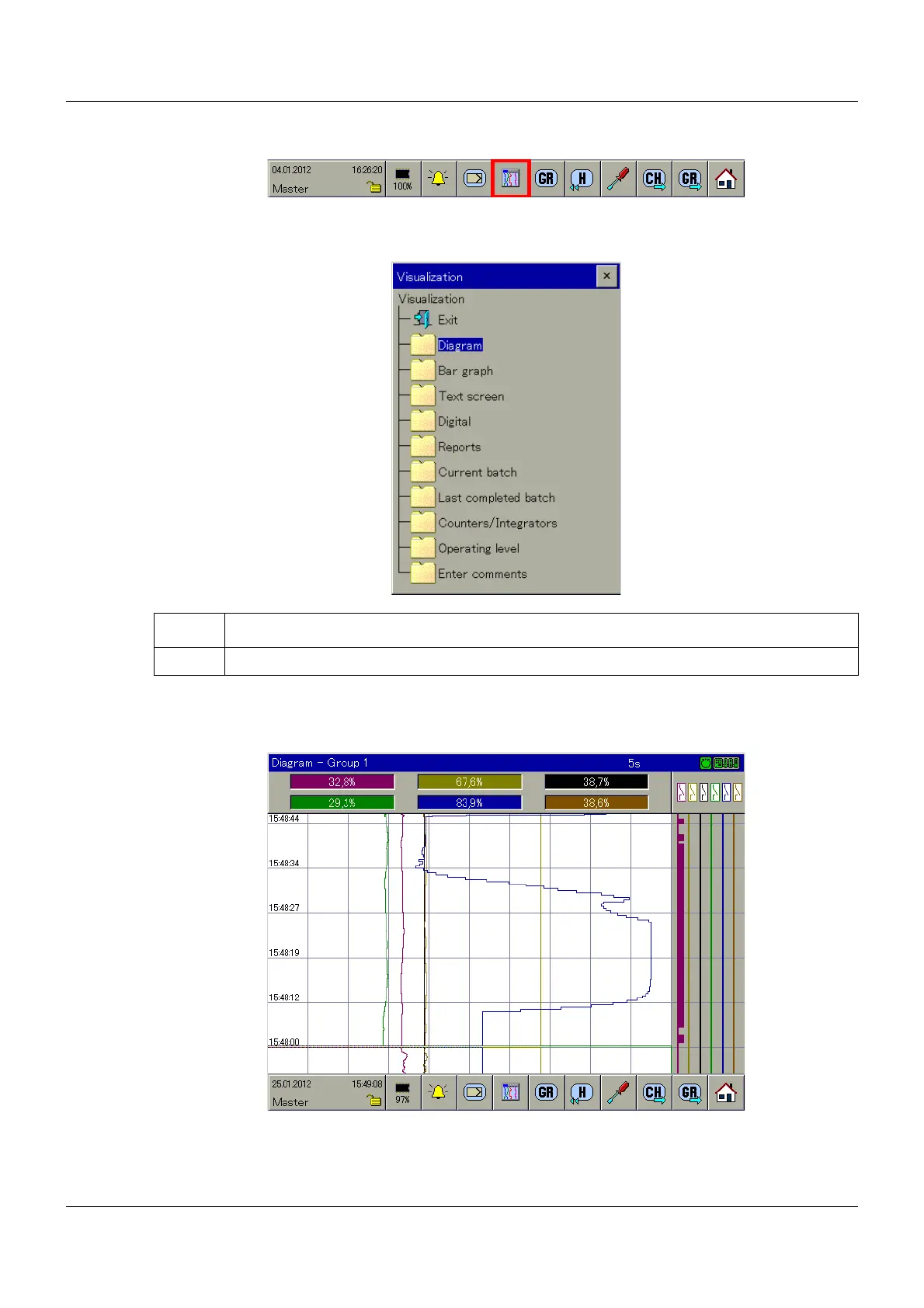
The type of visualization (diagrams, bar graph, etc.) is initiated using the button shown above.
The following maximum selection of visualizations is available.
➥ The visualization is displayed.
Example: Diagram
The available functions at the bottom of the screen vary depending on the visualization select-
ed.
Step Activity
1 Select the desired visualization by touching the screen.



 To Next Page