13 Configuration
128
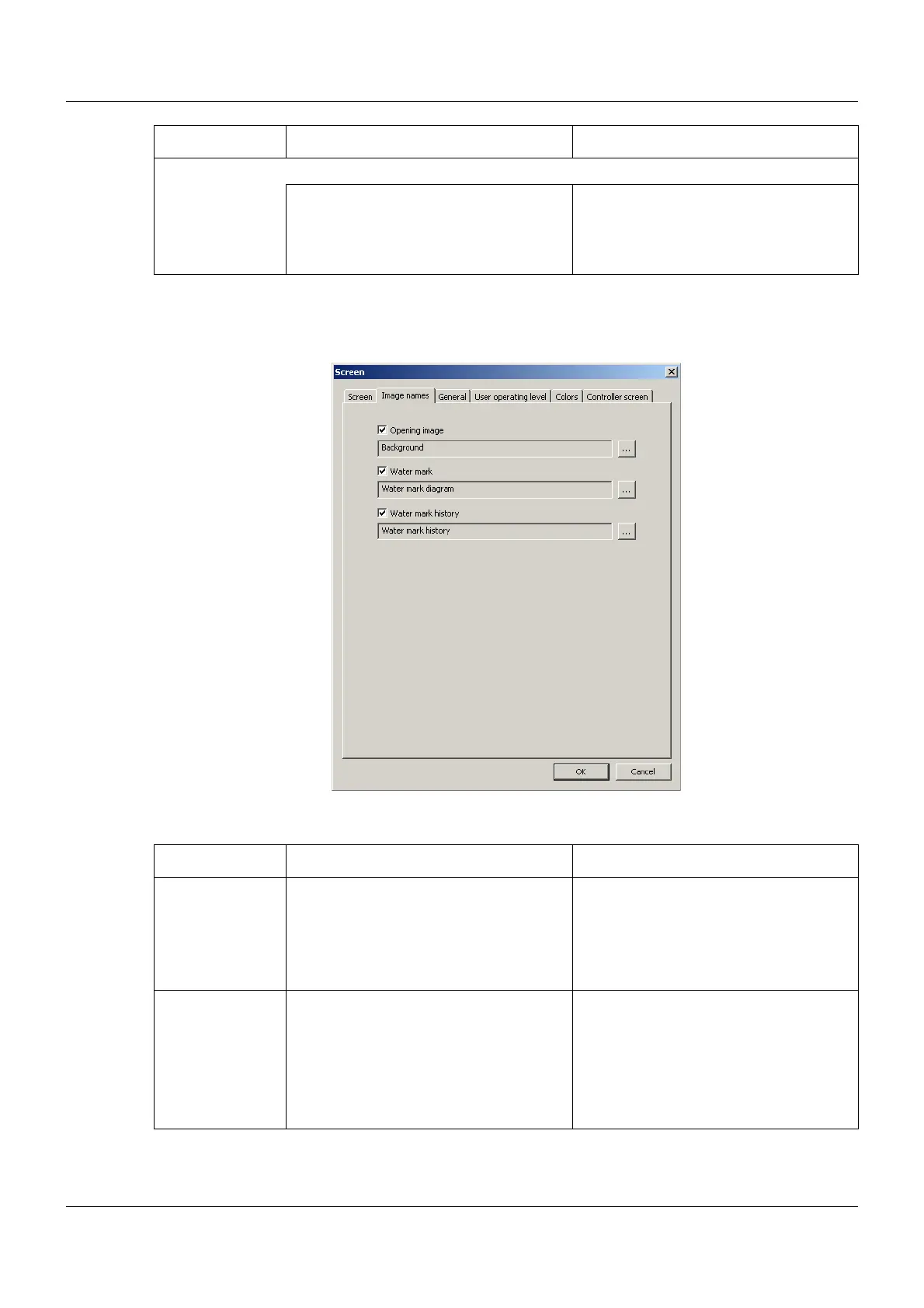
13.4.2 Image names
Setup dialog
Parameter
Digital signal
Inactive No screen switch-off
Digital selector Signal (high active) for the screen
switch-off when selecting the control sig-
nal
Parameter Selection/settings Description
Parameter Selection/settings Description
Opening image Background (example) The image is displayed after power on
during the startup phase of the multi-
function panel.
Maximum size: 640 × 480 pixels
Colors: 256
Water mark Water mark diagram (example) The image is displayed in the centre of
the screen in the "Diagram" visualiza-
tion.
Maximum size: 200 × 100 pixels
Colors: 256
Chapter 7.2 "Diagram", page 56



 To Next Page