143
13 Configuration
13.7 Integer variables
The multifunction panel can manage and record 16 integer variables. The integer variables re-
late to inputs or signals that are received via one of the multifunction panel interfaces (RS232,
RS422/485, setup interface, or Ethernet).
The integer variables can be used in process screens and in the counters/integrators.
Integer variables are always active. If no value has yet been received, the variables contain the
value 0.
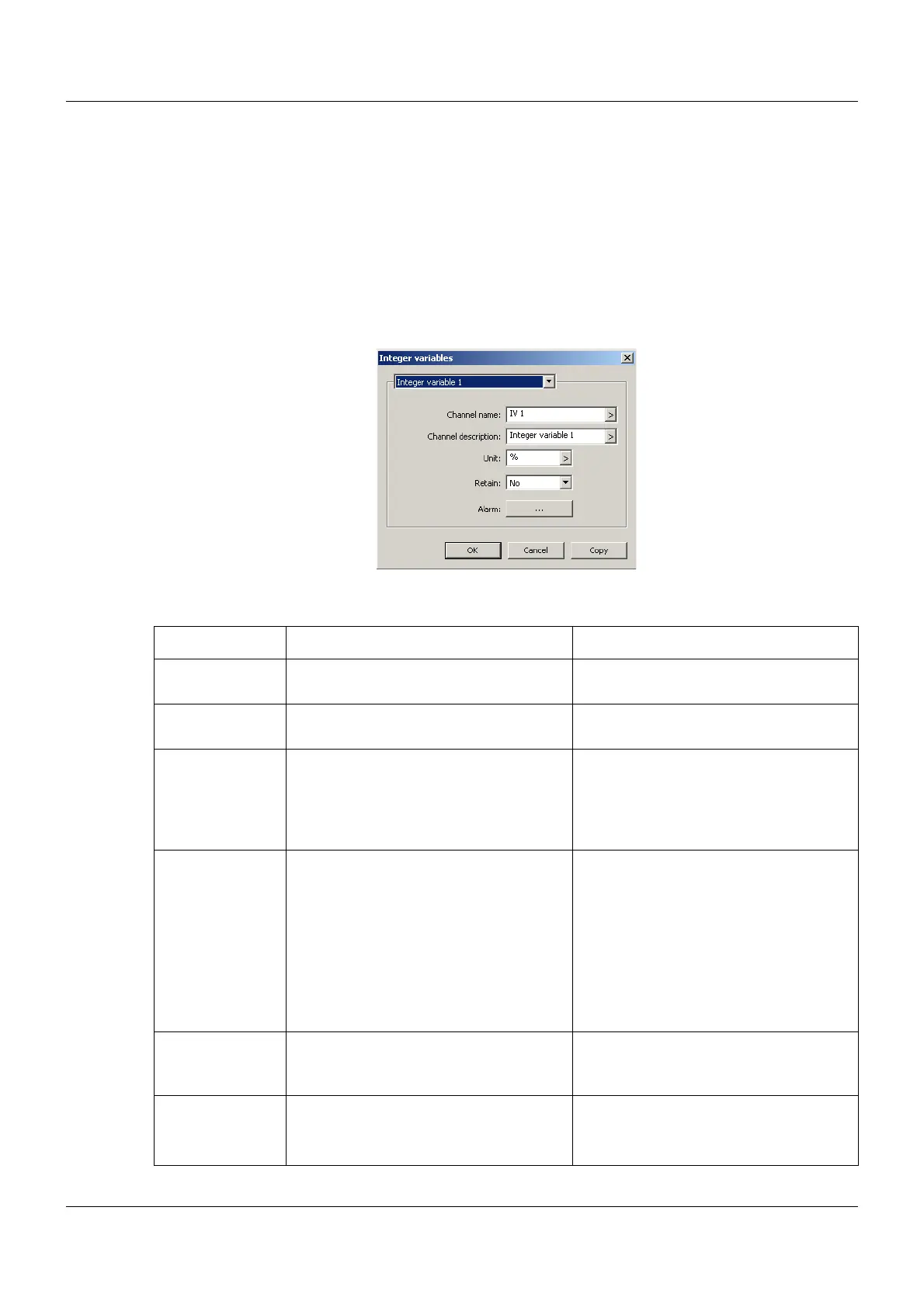
Setup dialog
Parameter
Parameter Selection/settings Description
Channel name IV x Name with a max. length of seven char-
acters
Channel descrip-
tion
Integer variable x Description with a max. length of 21
characters
Unit % Unit in which the recorded signal is to be
displayed, with a max. length of five
characters. The unit is displayed wher-
ever the measured value is displayed in
numerical form.
Comma format XXXX.X The comma format determines the num-
ber of pre-decimal and post-decimal
places for the numerical display of the
measured values. If required, the multi-
function panel automatically switches to
a different format in order to display all
pre-decimal places.
First and foremost, all pre-decimal
places must be displayed.
Retain Yes, No If "Yes", the current value is saved upon
switch-off (power off) and is available
again upon switch-on (power on).
Alarm The user can configure up to two alarms
for monitoring two limit values.
Chapter 13.7.1 "Alarm", page 144



 To Next Page