13 Configuration
148
13.9 Digital variables
The multifunction panel can manage and record 54 digital variables. The digital variables relate
to inputs or signals that are received via one of the multifunction panel interfaces (RS232,
RS422/485, setup interface, or Ethernet).
For example, the digital variables are pooled into groups together with other digital signals via
the "Groups" configuration and are available for further use via these groups.
Digital variables are always active. If no value has yet been received, the variables contain the
value 0.
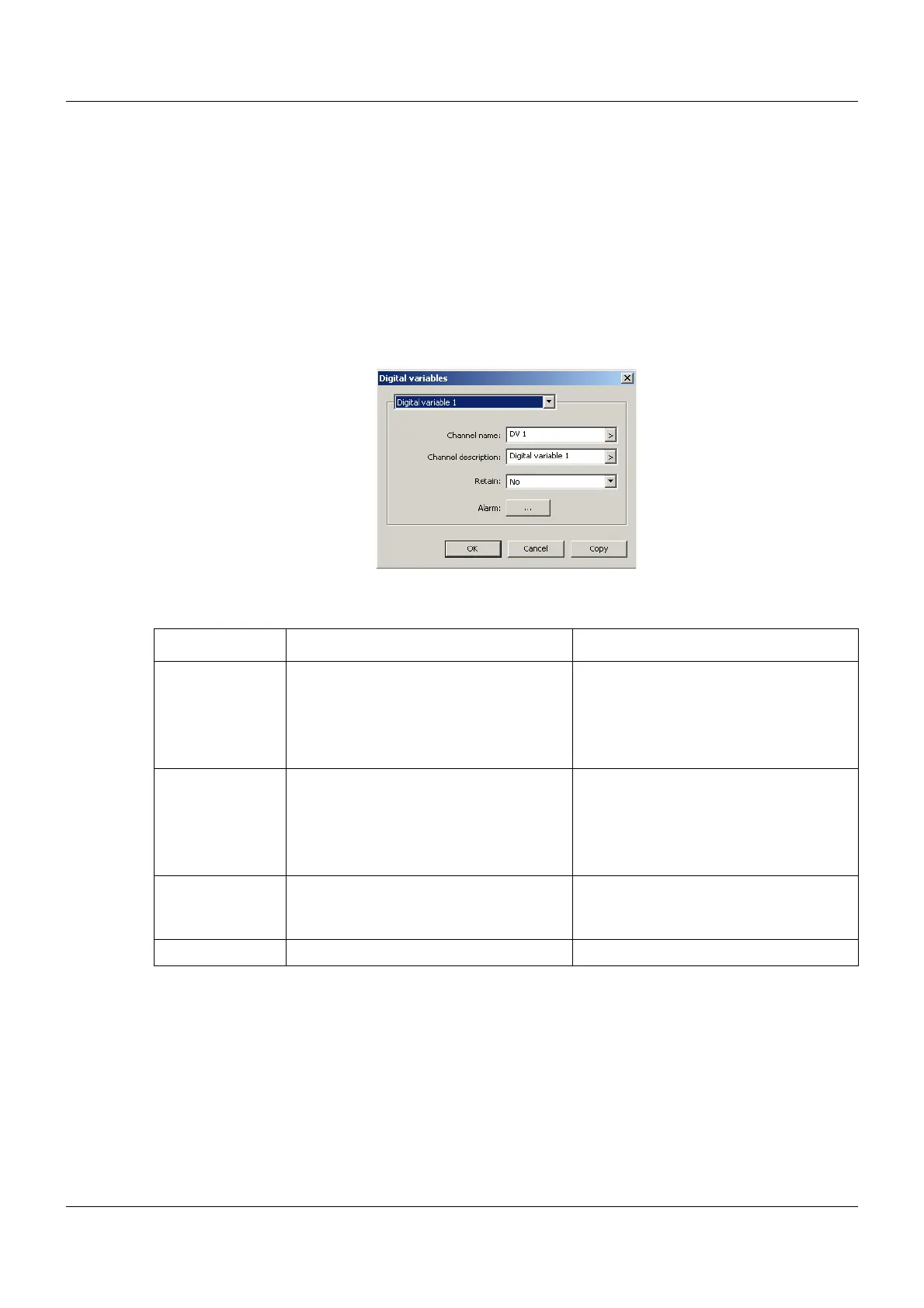
Setup dialog
Parameter
Parameter Selection/settings Description
Channel name DV x Name with a maximum length of seven
characters that is used in the visualiza-
tions together with the channel descrip-
tion.
Chapter 7.6 "Digital", page 65
Channel descrip-
tion
Digital variable x Description with a maximum length of
21 characters that is used in the visual-
izations together with the channel
names.
Chapter 7.6 "Digital", page 65
Retain Yes, No If "Yes", the current value is saved upon
switch-off (power off) and is available
again upon switch-on (power on).
Alarm
Chapter 13.9.1 "Alarm", page 149



 To Next Page