7 Visualization
74
7.9 Last completed batch
Communication status
Chapter 5.1.1 "Status line and Title line", page 44
Batch selection
This function is used to directly select and display one of the active batches. Simply touch one
of the batch names displayed after calling up the function.
Batch evaluation
Completed batches can be evaluated in two ways:
• Diagrams (graphic visualization)
• Report (numerical visualization)
Chapter 7.9.1 "Batch evaluation: Diagrams", page 75
Chapter 7.9.2 "Batch evaluation: Report", page 76
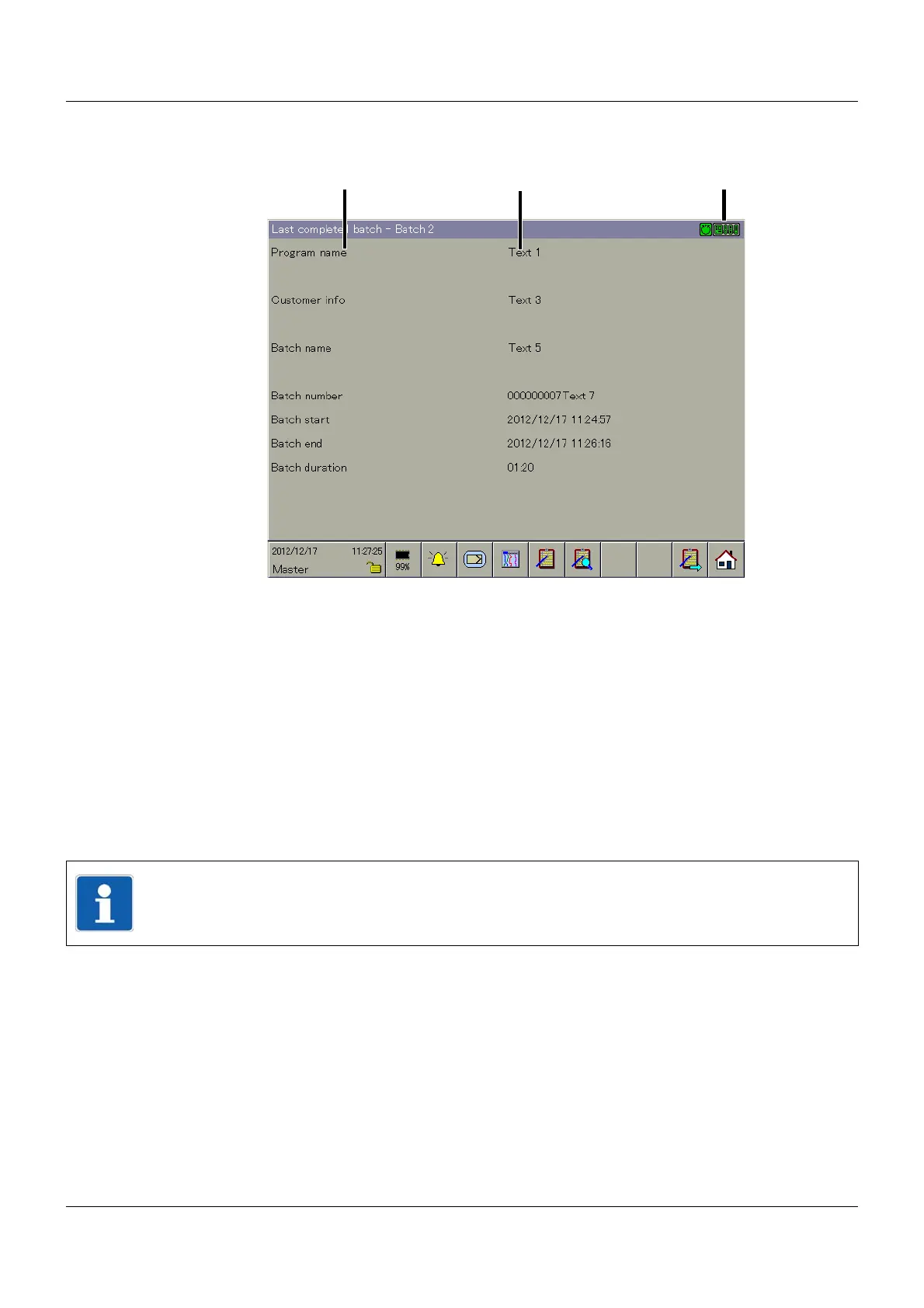
(1) Batch texts, "left column" (2) Batch texts, "right column"
(3) Communication status (4) Batch selection
(5) Batch evaluation (6) Batch rotation
(7) Home button
NOTE!
The function is only available if more than one batch is active.



 To Next Page