115
12 Parameterization
12.3.2 Counters/Integrators
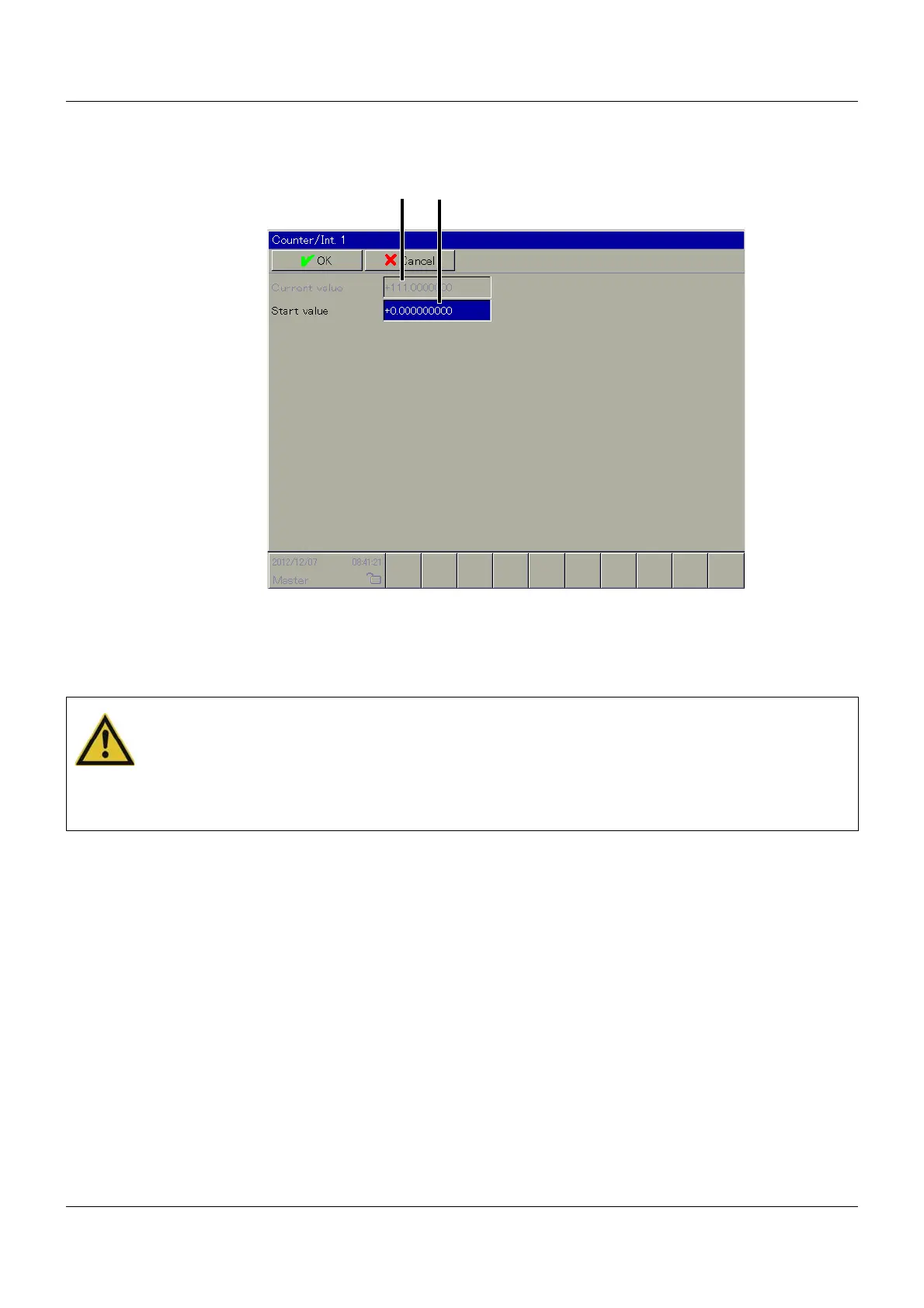
The user can use this function to enter the current value for the counters and integrators.
Entry of new value
Touch here to enter the new value of the counter or integrator.
Chapter 7.10 "Counters/Integrators", page 78
12.3.3 Batches/Plants
The user can use this function to enter the current batch numbers. The batch numbers can be
displayed in the batch report.
Chapter 7.8 "Current batch", page 69
(1) Display of current value (2) Entry of new value
CAUTION!
The new value is adopted by the system when the "OK" button is touched.
The value 0, which is preset by the system when the function is called up, is also adopted
when "OK" is touched. This may not be desired.
If the current value should only be monitored, the user must exit the function by touching the
"Cancel" button.



 To Next Page